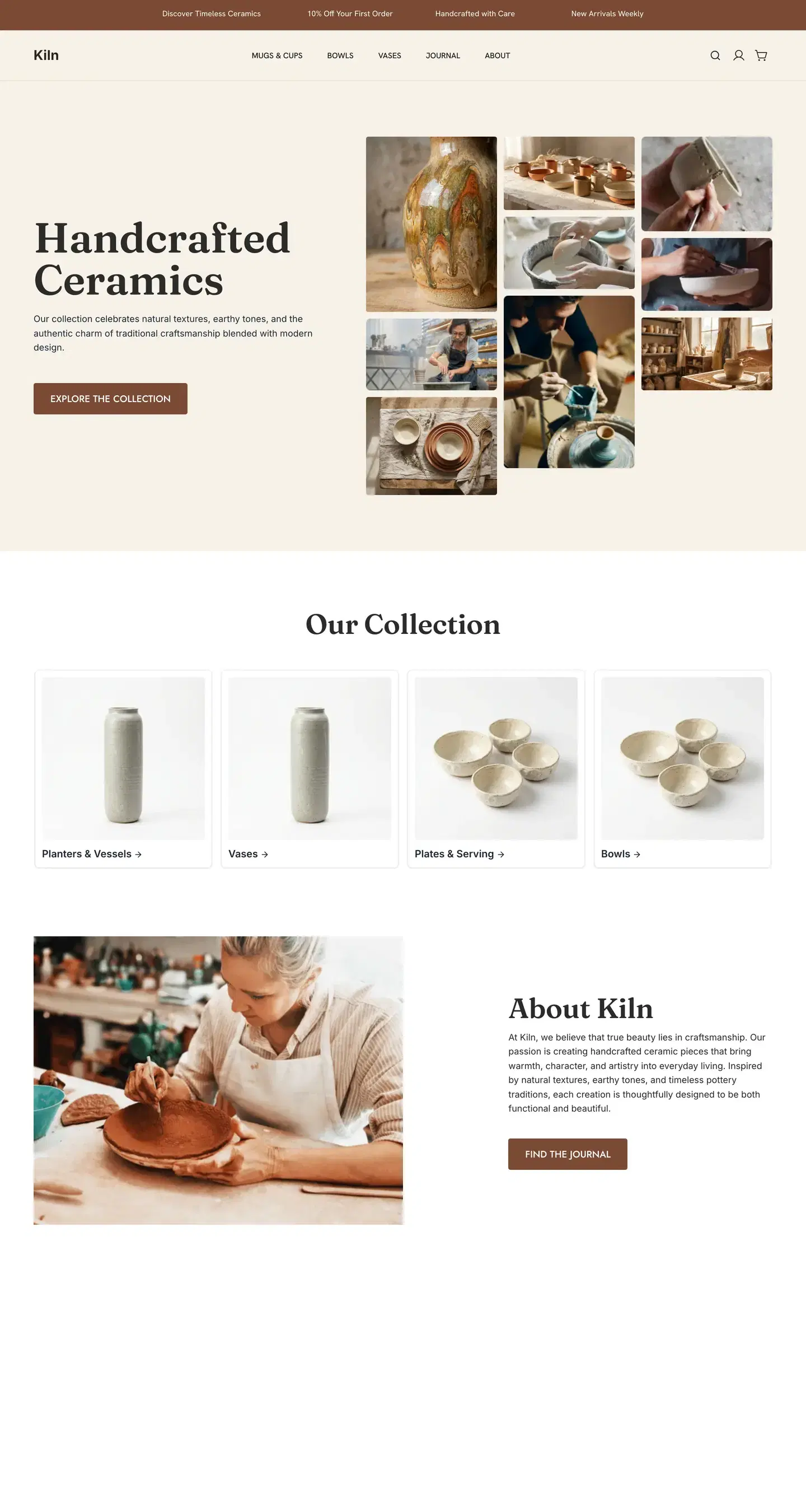
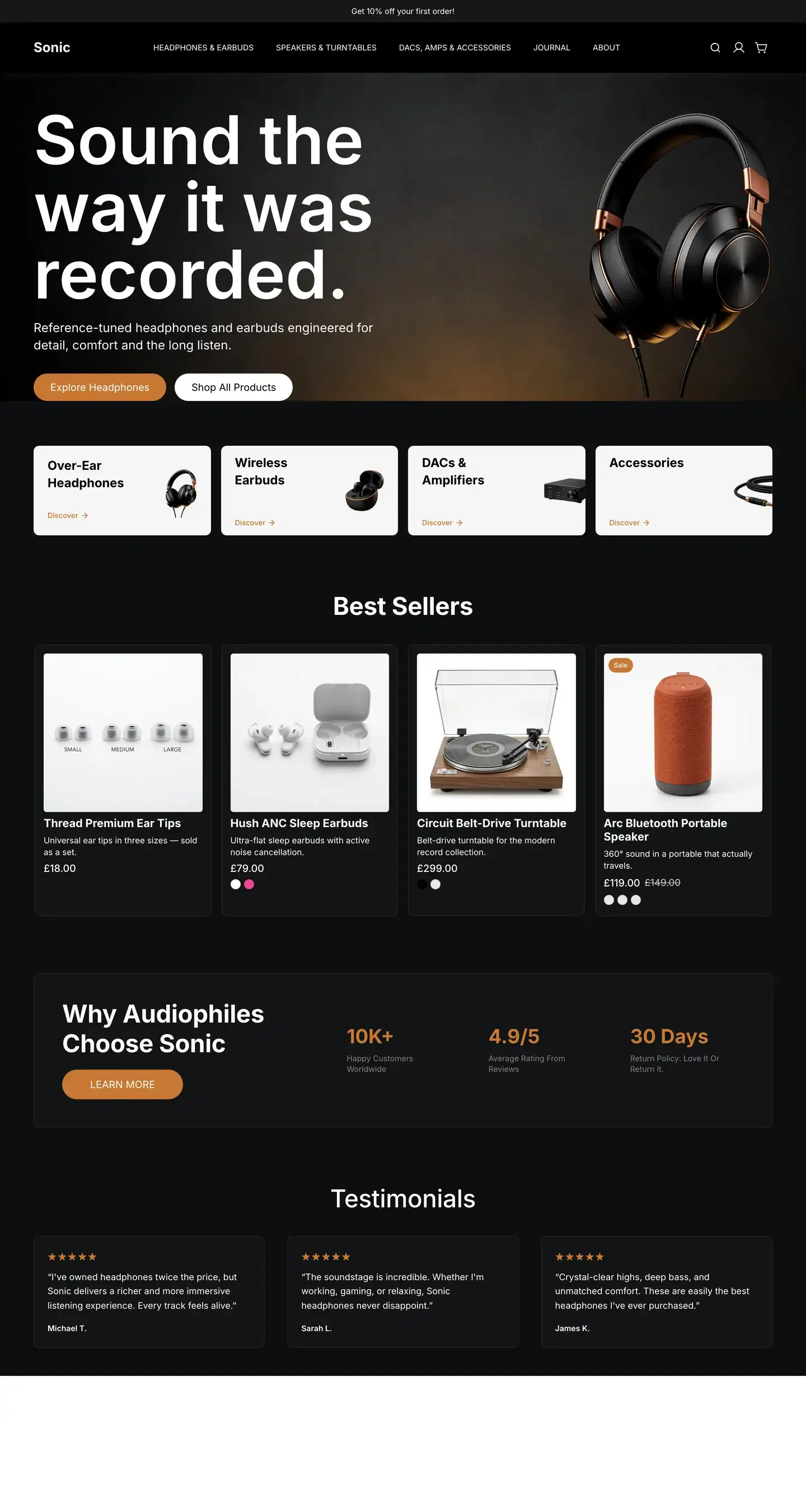
Orbit’s visual page builder starts you from a free or premium theme, then lets you drag, drop and restyle the pages your customers browse: product pages, categories, the cart, their account, even the sign-in page. There is no theme code to touch.
Free and premium themes, each a full set of designed pages made from the same blocks you edit, so nothing in a theme is off limits.
Preview before you pay
Every theme runs on its own demo shop. Click through a product page, a category and the cart before you pick one.
Pay once
A premium theme is a single charge, priced in the theme store before you buy, with updates to that version included. Free themes such as Starter cost nothing.
Change your mind
Switch theme and every page you edited is listed for you to decide on: overwrite it with a revision kept to roll back to, create the new one alongside, or skip it. Pages you never touched are swapped over with a backup revision saved, and your menus stay.
Your colours everywhere
Set colours, fonts and button styles once and every page follows. Nebula can propose a palette and font pairing for the theme; apply it in one step and undo it in one step.
Product pages, categories, search, the cart, the 404, customer accounts, sign in and register are built from blocks, the same as your homepage. Change one template and every page built on it follows.
Product pages
Place the gallery, price, variants, stock, delivery estimate, reviews and a sticky buy bar in the order you want. Set it once, for every physical product.
Customer accounts
Orders, addresses, profile and security settings, laid out in the same style as the rest of the shop.
Sign in and register
Lay out the sign-in and create-account pages like any other, with your own words and pictures around the form.
Checkout, on Enterprise
On Enterprise the checkout is designed in the builder too, and it will not publish while a required step is missing: contact details, delivery address and method, payment, the order summary and the Place order button.
Nebula is Orbit’s built-in assistant and it lives inside the builder. Everything it makes is ordinary blocks you can move, restyle and delete.
A page from a sentence
Ask for an About page or a spring sale landing page and Nebula builds the whole page, section by section, from the same blocks you would drag in yourself.
Rewrite in place
Select any text and ask for it shorter, longer, more professional or more playful, or type your own instruction. You watch the words change on the canvas.
Bring your old look
Paste your current site’s address and Nebula reads its colours and fonts and offers them for your theme. Nothing changes until you apply it.
Pictures when you have none
Nebula can generate an image for an empty slot, or edit one you already have. Your own product photos will usually sell better.
Every plan includes a monthly Nebula allowance; higher plans get more. The dashboard shows what is left.
Six things the builder and the platform take care of once a page is published.
Images sized for you
Every JPEG, PNG and WebP you upload is saved as WebP in seven widths, 320 to 2,560 pixels, so a phone never downloads a desktop picture.
Old links keep working
Rename a page, product, category, brand or blog post and the old address redirects to the new one on its own.
Menus survive a new theme
Switching theme keeps the menus you built and only adds the ones the new theme is missing.
A bad edit is not final
The last 25 versions of each page are kept for 30 days in the History tab, and any of them can be restored.
Edit words without moving blocks
Basic mode locks blocks in place, so you or a colleague can change words and pictures without dragging anything out of line. Pro mode, one click away in the editor, is where blocks are dragged, resized and spaced.
Phones handled
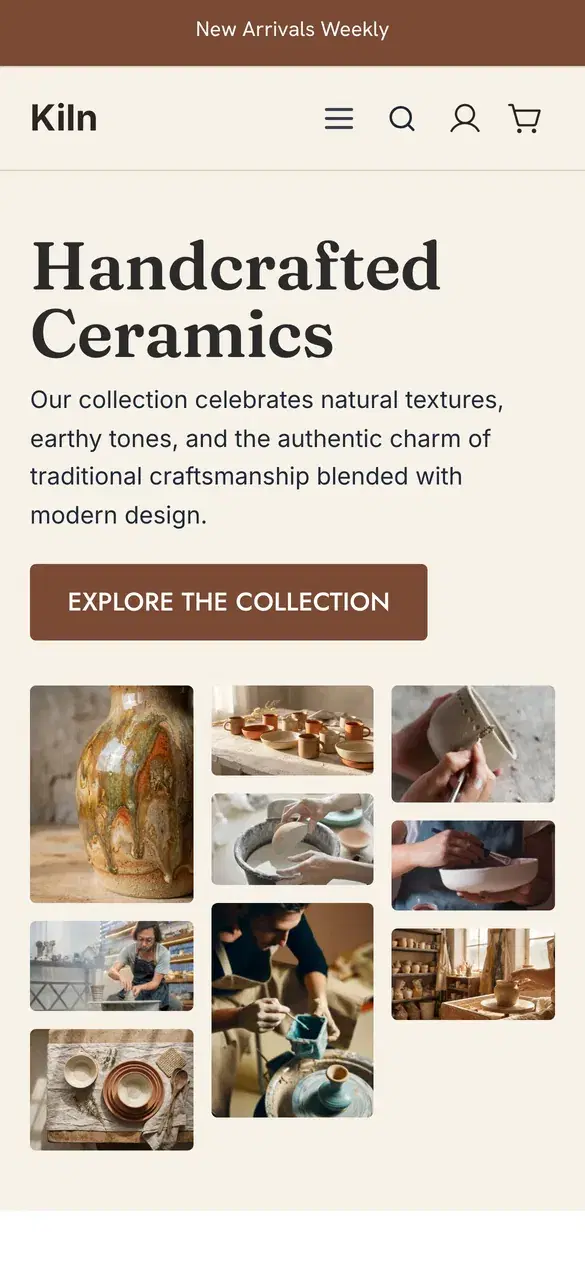
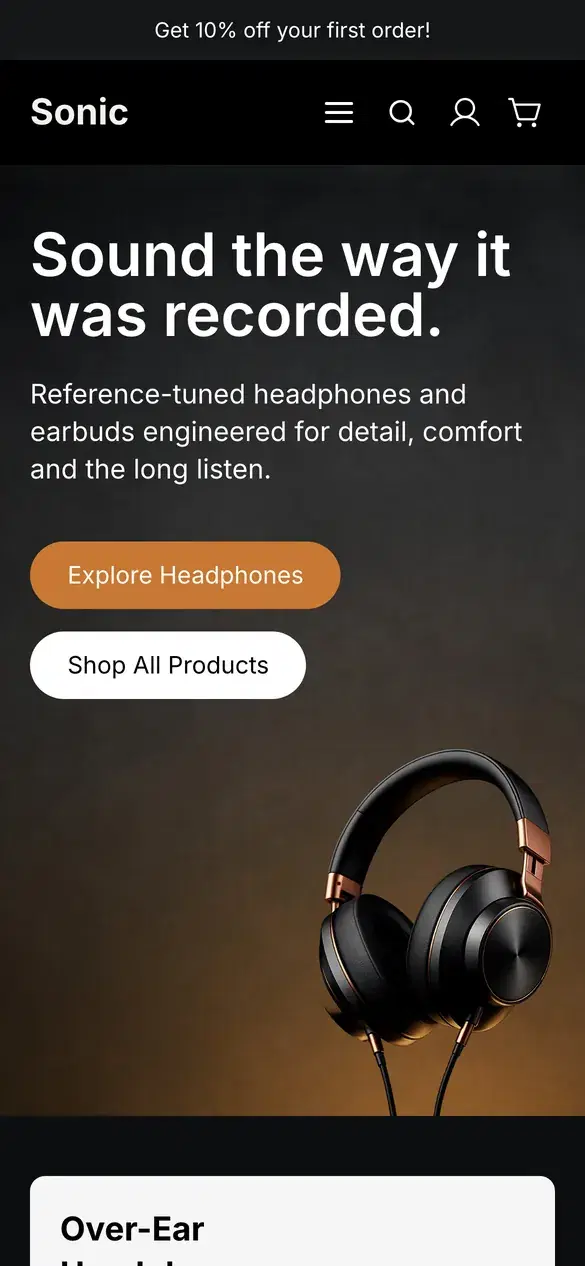
Most settings can differ on desktop, tablet and mobile, and any block can be hidden on one of them.
For whoever builds it.
Everything the builder can do, named the way the editor names it.
Elements
From basic blocks to shop and account elements.
Basic blocks, advanced widgets, shop elements that talk to your products and cart, account pages and the sign-in forms, plus the checkout steps on Enterprise.
Slider
Tabs
Countdown timer
Before and after
Lottie
Marquee
Timeline
Shoppable image
Sticky buy bar
Recently viewed
Wishlist
Free delivery bar
VAT toggle
Display conditions
Show a block to some people and not others.
Any element can carry rules. A banner for customers you tag as trade, a free-delivery bar while the cart is under £150, a sale strip that stops on Sunday.
Logged in
B2B company members on Enterprise
Customer tags
Order count
Total spent
Cart total
Cart contains product
Product tags
Product price
Stock level
Page type
Page URL
URL parameter
Store language
Date and time
Popups and banners
Built in the same editor.
A popup is a page type with its own triggers and frequency rules. A promo banner targets categories and runs between two dates.
Delay
Exit intent
Scroll percentage
Every visit
Once per session
Once per day
Once ever
Banner by category
Live from and until
Type and style
Your fonts, your CSS, when you want them.
Pick from the Google Fonts library or upload your own. Global colours and button styles live in the theme; custom CSS is per page.
Google Fonts
Upload TTF, OTF, WOFF, WOFF2
Global colours
Button styles
Custom CSS per page
Code block
Team and history
Two modes, and a way back.
Basic mode for colleagues who edit words and pictures, Pro mode for whoever lays pages out. Page history keeps the last 25 versions for 30 days.
Basic mode
Pro mode
Staff accounts from Team up
25 versions
30 days
Restore
Languages
Your words, in every language you switch on.
Page and block copy can be translated per language, by Nebula or by hand, with a language switcher block for the header. Products, categories, menus and blog posts translate the same way.
Paste your old site’s address and Nebula offers its colours and fonts for your theme. Products come across by CSV, and a theme gives you finished pages to start from.
Checkout: Enterprise
Every other page type on every plan
Product pages, categories, search, the cart, the 404, accounts, sign in and register are designed in the builder on every plan. Enterprise designs the checkout as well.
No code needed
Blocks, not template files
Every page is made of blocks you drag and restyle. Custom CSS per page and a code block are there for anything extra.
We use cookies to enhance your browsing experience, analyse site traffic, and personalise content. By clicking "Accept all", you consent to our use of cookies. You can manage your preferences or learn more in our Cookie Policy.