Finance
Sales, taxes, and payouts in one view.
Tax applied at checkout. Your balance and every payout tracked through to settlement. Documents your accountant can actually use: the bookkeeping side of the business, sorted.
Start free. Core finance tools are included on every plan.
Finance tools
The bookkeeping side, finally simple.
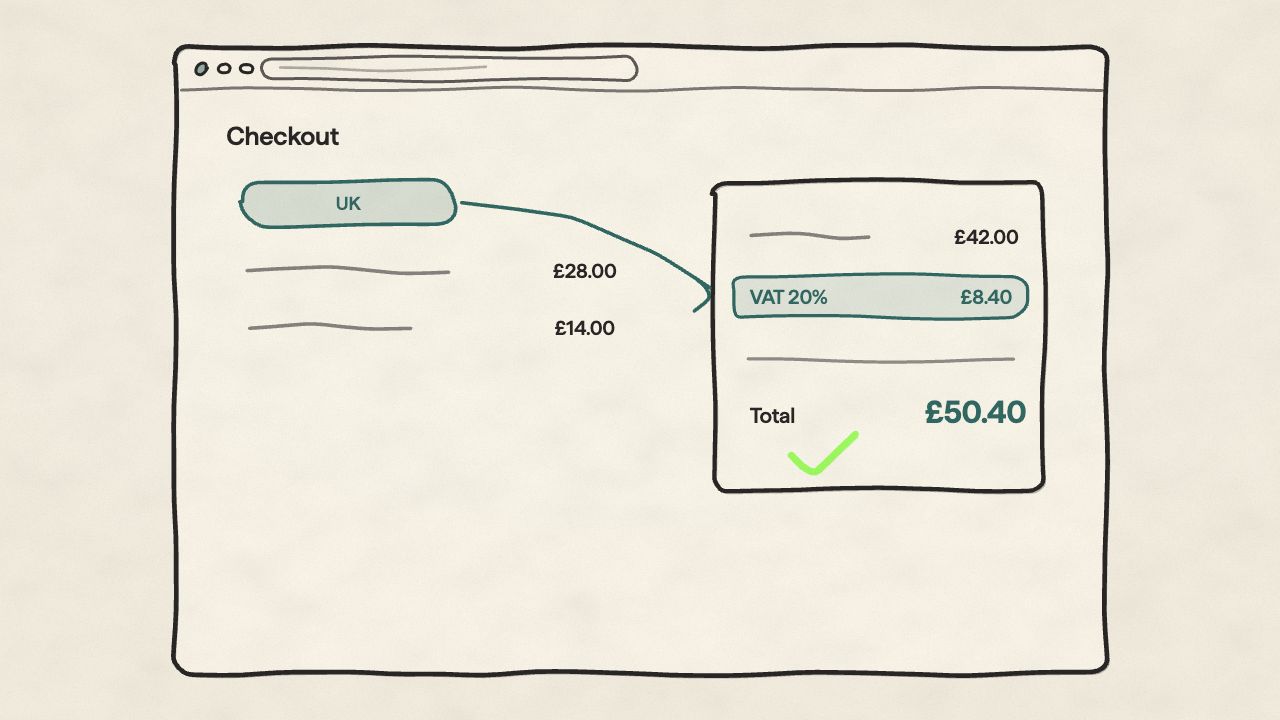
The right rate, applied automatically
You set your tax rates by region and product type. Orbit applies them at checkout based on where the customer is and what they're buying, so the total on the invoice matches the total on the receipt.
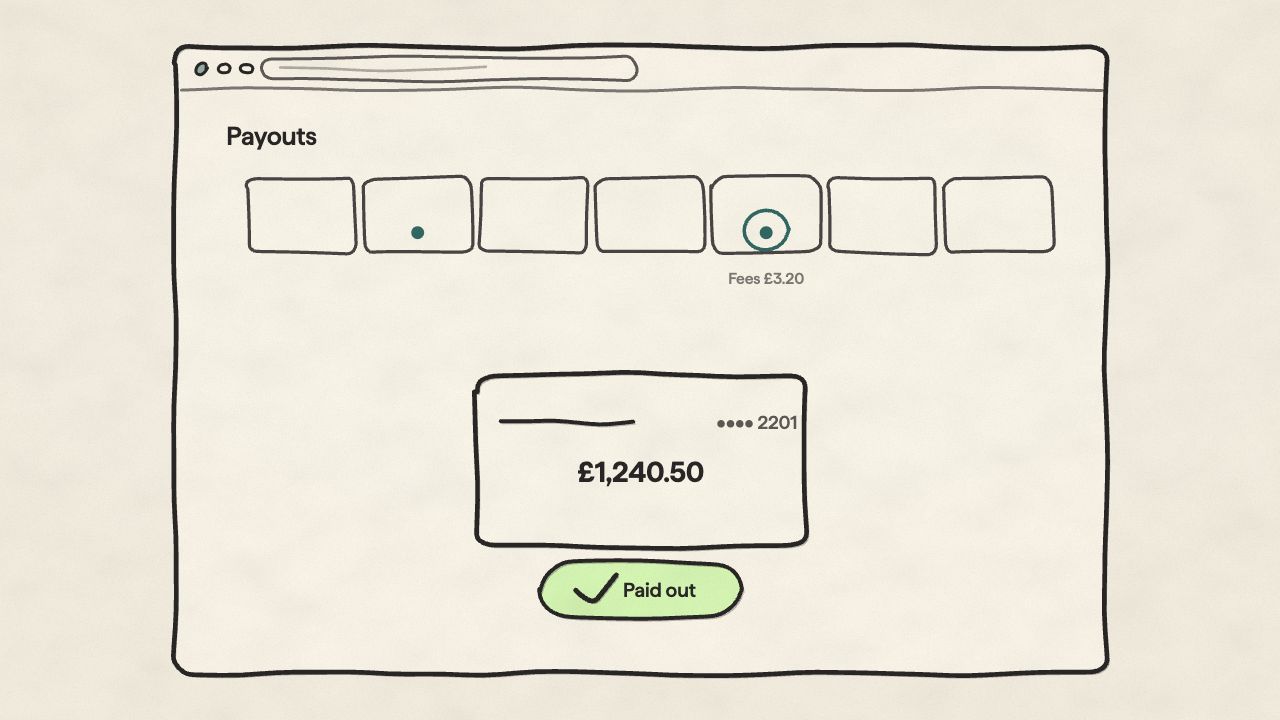
Every payout, followed to the bank
See the payout schedule, then track each one from initiation to the money landing: with fees broken out per transaction, so the number in your bank matches the number in your books.
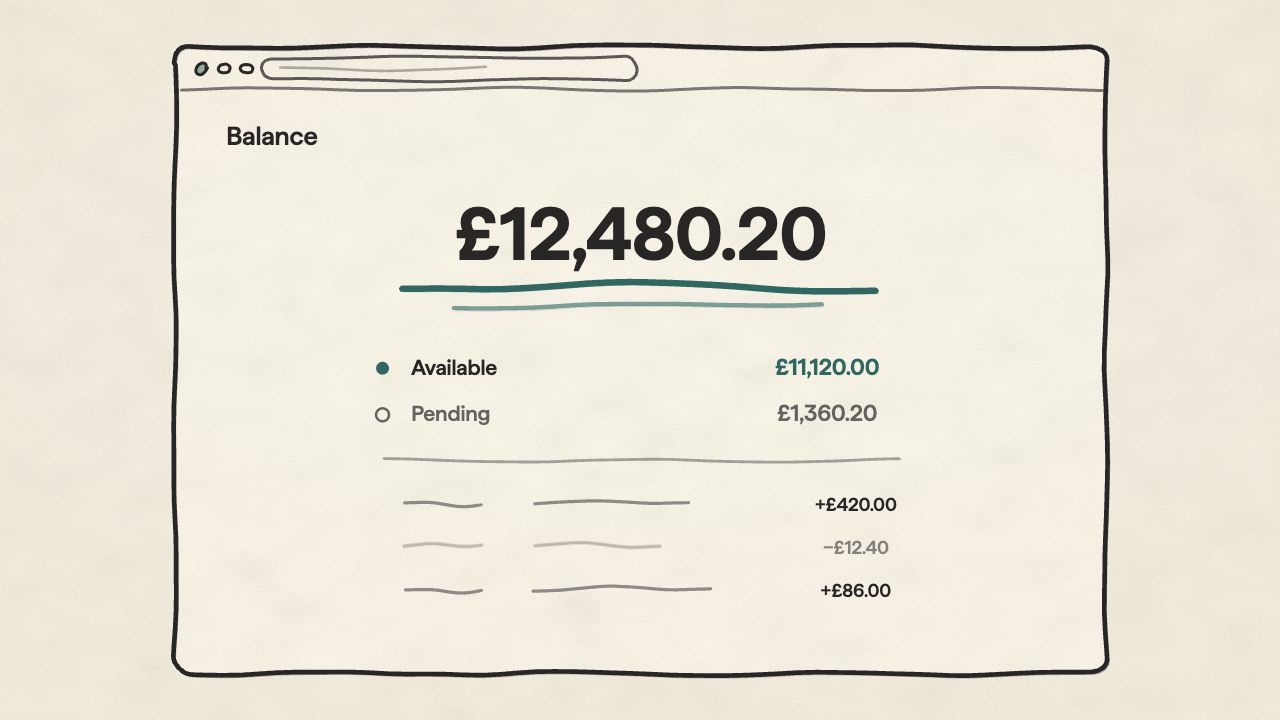
A running balance with the receipts
Your live balance, backed by a full transaction history: every charge, refund, and fee on the record and filterable by date range. No mystery line items, no “what was that?” at month end.
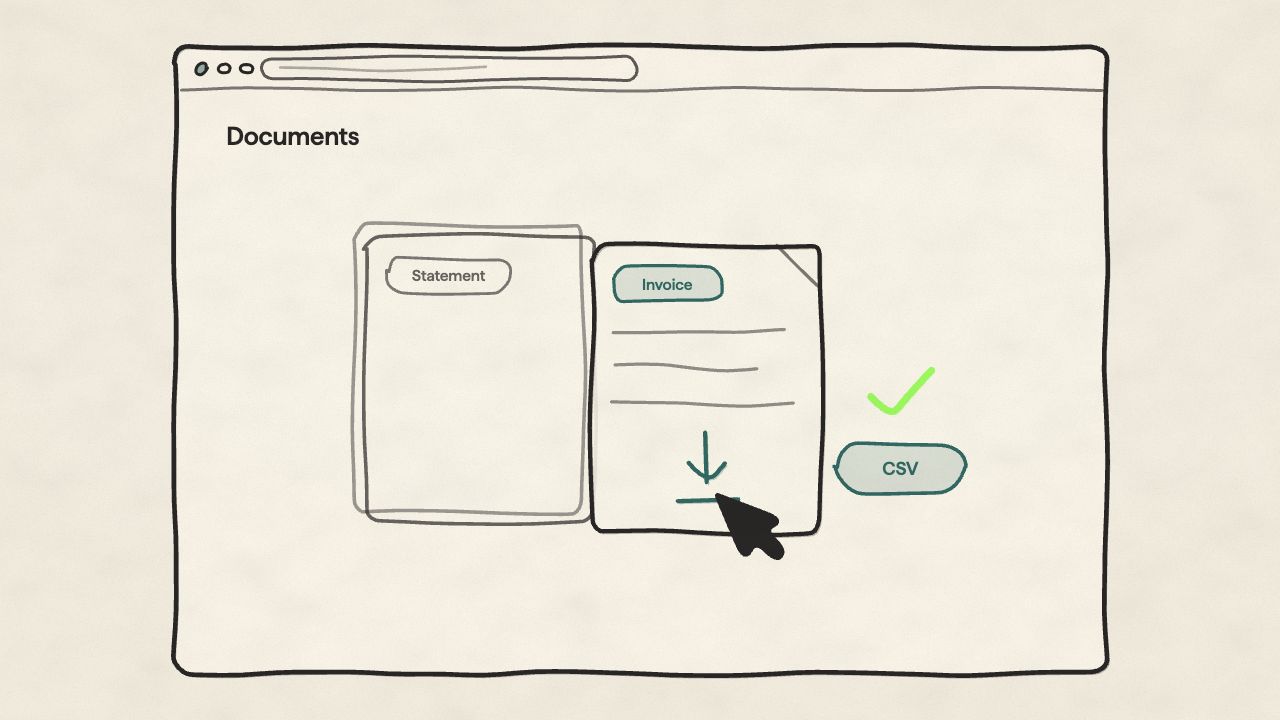
Hand your accountant the documents
Tax documents and summaries generated from real transaction data, plus CSV export for your accounting software or bookkeeper. The paperwork side of selling, kept where the numbers already live.
Anatomy of a payout
Four lines that add up.
Every payout breaks down the same way: what you sold, what processing cost, what went back. Refunds are tracked against their orders and instalment part-payments land as they arrive, so the net figure is explained, not just stated.
Instalment plans are set up per product: see how they work in the catalogue.
Payout · illustrative
Built in, not bolted on
Everything your accountant actually asks for.
Tax logic that holds up to scrutiny, refunds that reconcile cleanly, exports ready for your accounting software. No plugins to buy, no monthly add-ons.
Configure VAT, sales tax, and reduced rates per region and product type. Change a rate in one place: every new order picks it up from that point on.
Mark books, children's clothing, or anything zero-rated as exempt. The rate never applies, the customer pays the honest price, the report shows it.
When a VAT-registered EU business orders, the reverse charge applies and the invoice reflects it. You won't have to explain the maths to your accountant.
Every refund writes back to the tax report and the payout reconciliation. You get a clean net figure: not a quarter-end hunt for what you already sent back.
Every payout shows processor fees per transaction, so the number in your bank matches the number in your books, and you know exactly what each sale cost you.
Products sold on instalment plans feed the same ledger: each part-payment lands in the balance and payout reports as it arrives, not as one confusing lump.
Every rate change, every refund, every export: logged with the user and timestamp. If HMRC or your auditor asks, you've got the receipts.
Finance questions, answered.
What Orbit calculates, what it exports, and what you still hand off to your accountant.
Close the books without the chase.
The finance dashboard is on every plan: balance, payouts, and tax documents from your first sale.