Media library

Upload it once.
Sized for every screen.

Orbit’s media library saves every photo you drop in as WebP in seven widths, from 320 to 2,560 pixels, and serves it from a content delivery network. Nebula writes the alt text once you switch it on. An editor crops and adjusts in the browser, and before you delete a file you can see the products, categories and blog posts it is attached to.

On every plan. 100GB on Solo, up to 1TB on Enterprise

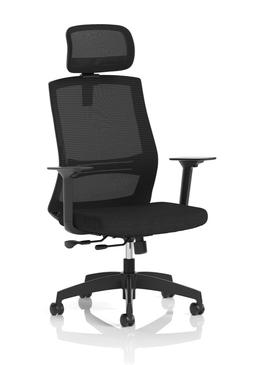
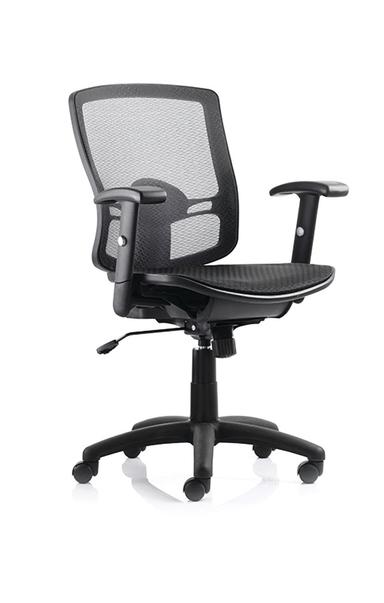
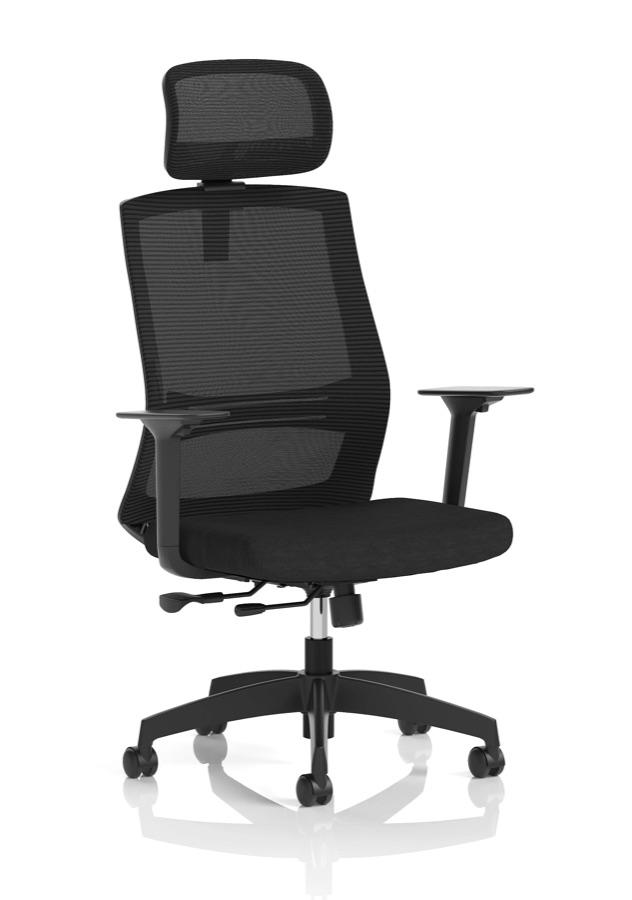
  • Ventra Mesh Task Chair
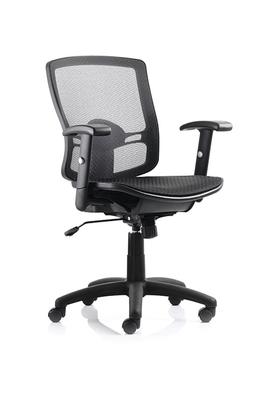
  • Portland Mesh Task Chair
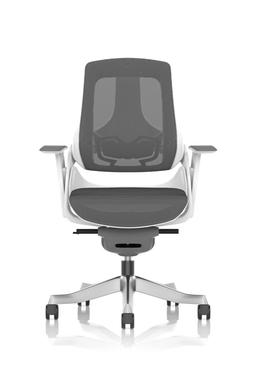
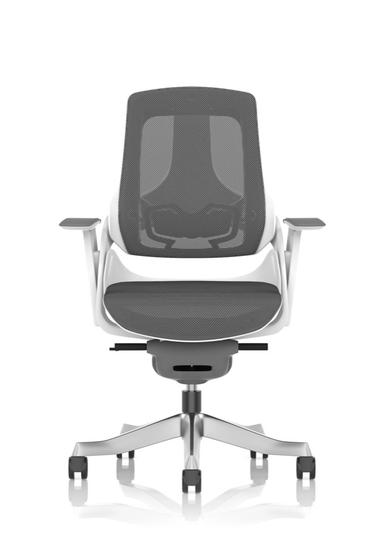
  • Zure Executive Chair
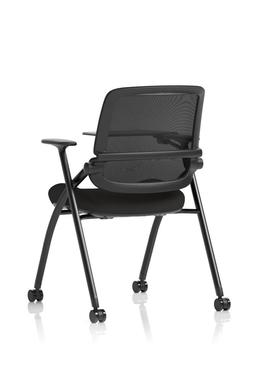
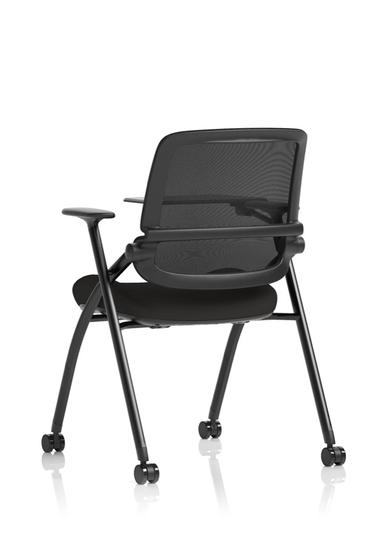
  • Capra Folding Training Chair
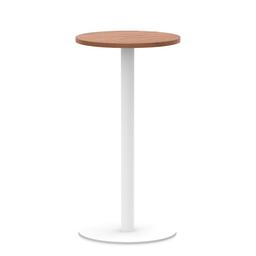
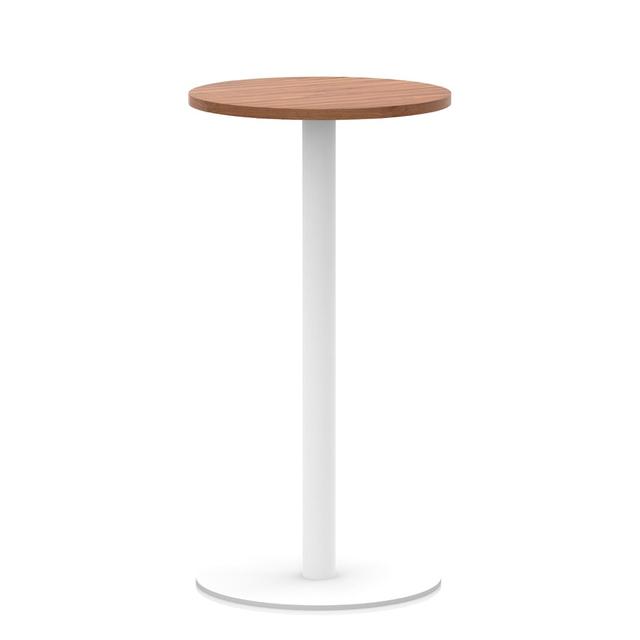
  • Italia Round Poseur Table
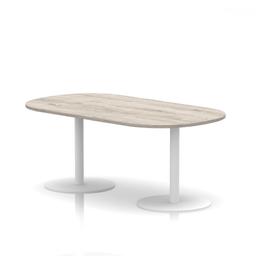
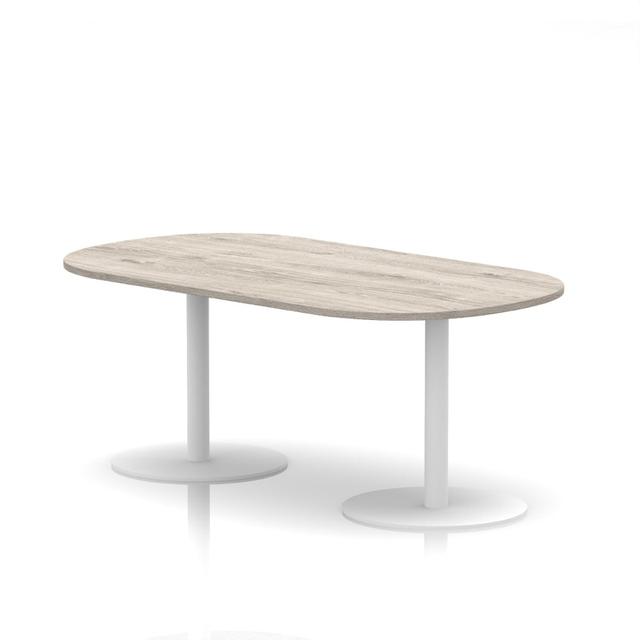
  • Italia Boardroom Table
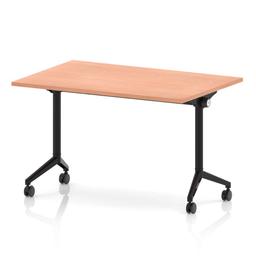
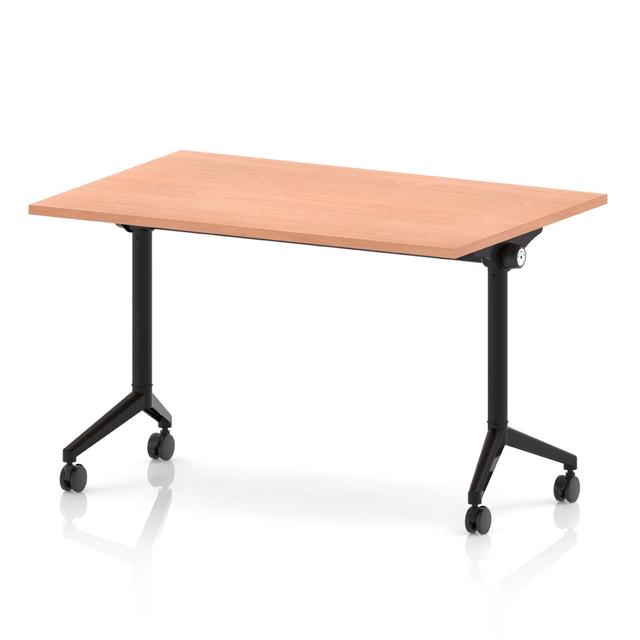
  • Impulse Flip Top Table
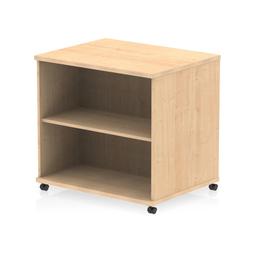
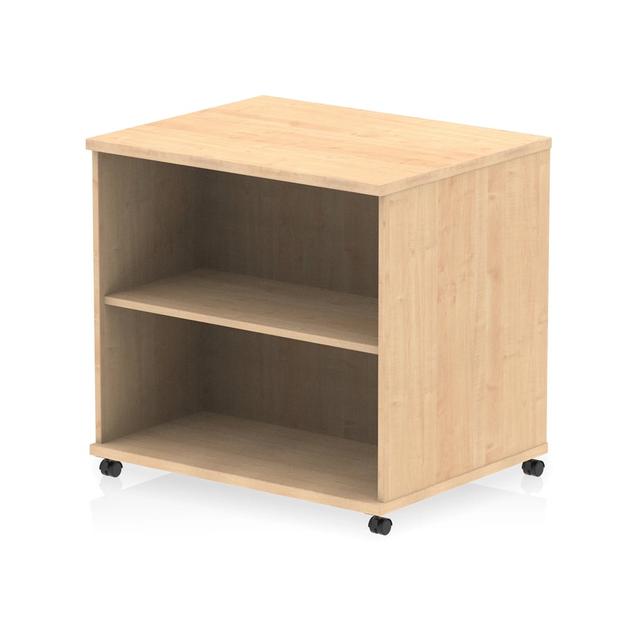
  • Impulse Mobile Bookcase
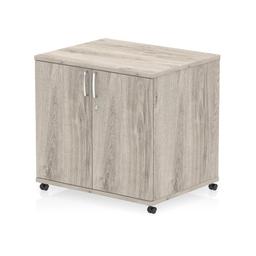
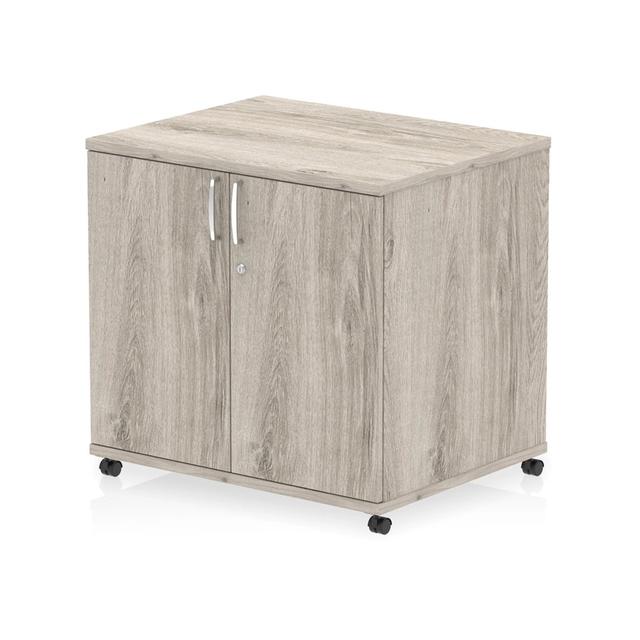
  • Impulse Mobile Cupboard
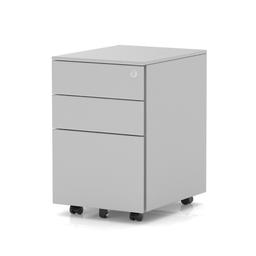
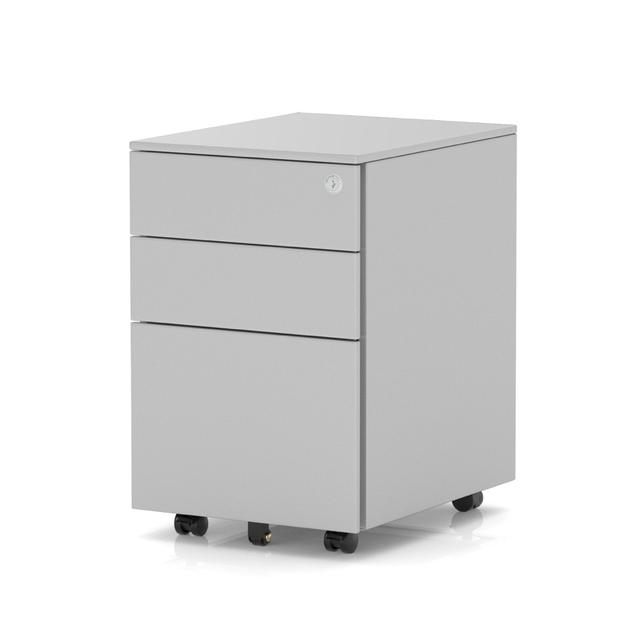
  • Base Mobile Steel Pedestal
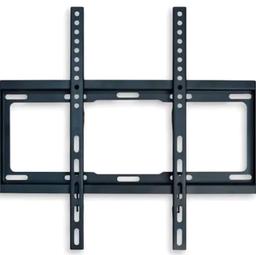
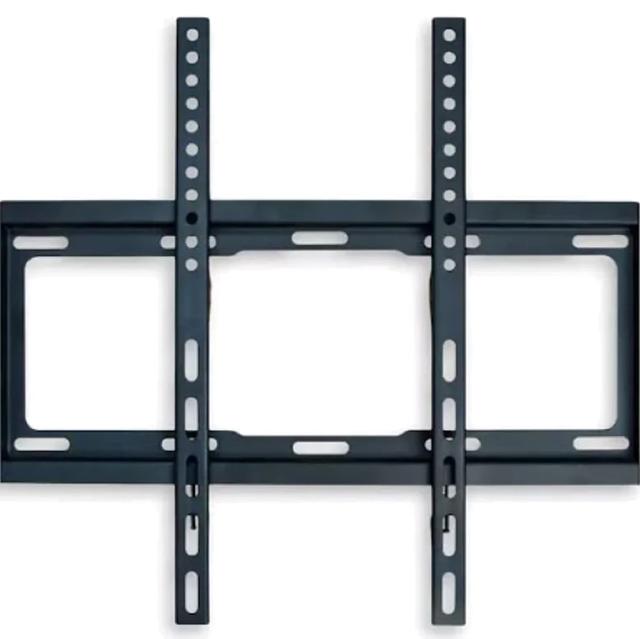
  • Brixworth Monitor Bracket
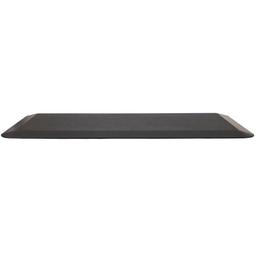
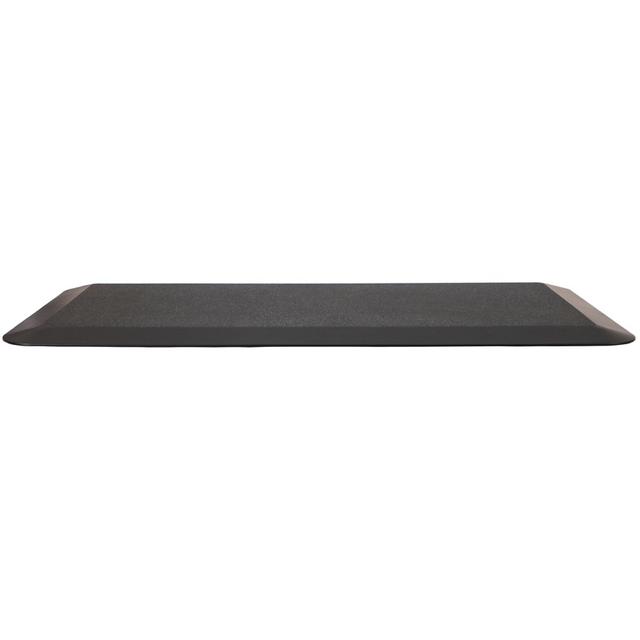
  • Anti Fatigue Mat

Alt text written by Nebula

A one-line description you can edit

  1. Media Library
Search⌘K
22MEMark Ellis
  • Dashboard
  • Commerce
  • Orders
  • Products
  • Suppliers
  • Customers
  • Discounts
  • Gift Cards
  • Bookings
  • Subscriptions
  • Payments
  • Content
  • Media Library
  • Blog Posts
  • Storefront
  • Insights
  • Analytics
  • Marketing
  • Configuration
  • Plugins
  • Settings
  • Installed plugins
  • Loyalty Points
  • CRM
LO
Larkfield Office
larkfield-office.myorbitcommerce.net
MediaDigital Assets
Nebula writes alt text for new uploads
Drag and drop files here, or click to upload
Search files...FiltersSort
portland-mesh-task-chair.jpg
301.2 KB2560 × 4021
zure-executive-chair.jpg
412.8 KB2560 × 3645
capra-folding-training-chair.jpg
266.47 KB2560 × 3645
italia-boardroom-table.jpg
139.62 KB2400 × 2400
impulse-flip-top-table.jpg
176.35 KB2560 × 2560
impulse-mobile-bookcase.jpg
208.14 KB2560 × 2560
base-mobile-steel-pedestal.jpg
148.9 KB2400 × 2400
brixworth-monitor-bracket.jpg
96.3 KB2000 × 2000
italia-round-poseur-table.jpg
164.52 KB2400 × 2400
impulse-mobile-cupboard.jpg
231.08 KB2560 × 2560
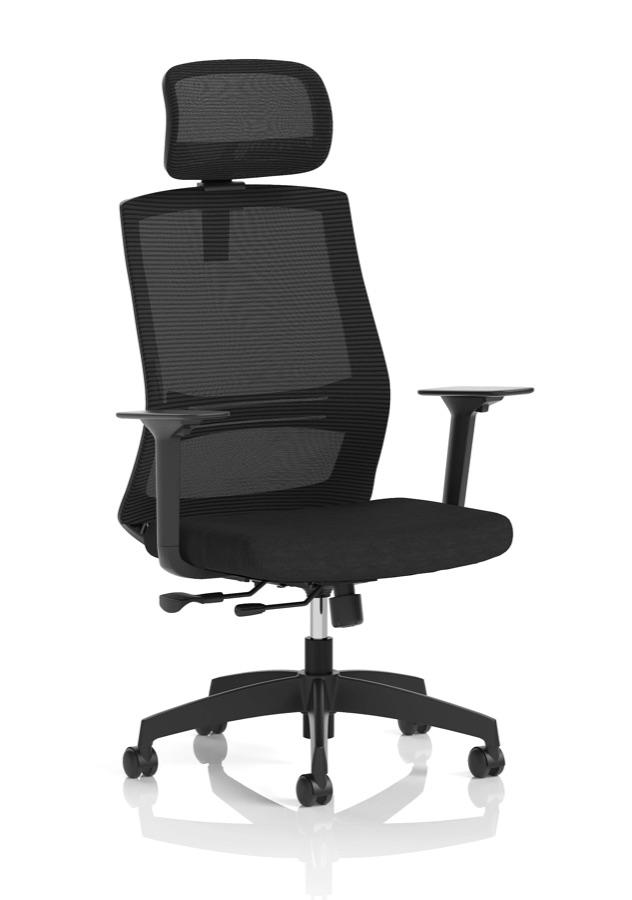
ventra-mesh-task-chair.jpg
286.4 KB2560 × 1920
anti-fatigue-mat.jpg
118.9 KB2400 × 2400
File details
ventra-mesh-task-chair.jpg
Edit imageDownloadCopy URL
File name
ventra-mesh-task-chair.jpg
Alt text
Black mesh task chair with headrest and adjustable arms

Used by screen readers and search engines

File URL
https://cdn.myorbitcommerce.net/stores/6f1c2a9e-4b7d-4e2a-9c31-2d8f5b7a0e14/public/files/b3e8d1f0-7a2c-4c69-8e5d-1f4a9c2b6d73/ventra-mesh-task-chair.webp
Typeimage/webp
Size286.4 KB
Dimensions2560 × 1920 px
UploadedJust now
References
Not used anywhere
CloseSave changes

Automatic resizing on upload

  • 320
  • 640
  • 828
  • 1080
  • 1440
  • 1920
  • 2560
  • Seven WebP sizes from every photo
  • 100GB on Solo, 1TB on Enterprise
  • An image editor in the browser
  • Nebula can write the alt text

Image optimisation built in

Seven WebP sizes and CDN delivery

Optimisation

Stop exporting three sizes of every photo.

Drop in the original. Orbit makes every size as it uploads, so you never export them yourself.

Seven sizes on upload

Every JPEG, PNG and WebP is saved as WebP at 320, 640, 828, 1,080, 1,440, 1,920 and 2,560 pixels wide the moment it lands.

Served from the edge

Files are served through Amazon CloudFront, so shoppers load them from a nearby copy, and a file’s address never changes once it is uploaded.

GIFs keep moving

Animated GIFs and animated images are stored as they are rather than flattened to one frame. A tiny icon keeps its original format if WebP would make it bigger.

Alt text from Nebula

Off until you switch it on, right above the library’s upload box. New photos then arrive with a one-line description you can edit. It uses your plan’s monthly Nebula allowance, and Nebula fills in a description when it is confident of what the picture shows.

Image editor in the browser

Crop, resize, rotate and adjust

Image editor

Crop it here, not in another app.

Open any image from the library or the page builder and fix it where it lives.

Crop and resize

Square up a product shot with the 1:1 crop, or set an exact width and height in Resize, without leaving the browser.

Adjust

Brightness, contrast, saturation and hue, plus greyscale, sepia and blur, each on its own slider.

Replace the original

Keep the same file and the same address, and every product, post and page that used it shows the new version. The copy on the delivery network is refreshed for you.

Save as a copy

Keep the original and save the edit as a new file beside it. Choosing another format always saves a copy, so nothing is overwritten.

The details

What you can upload, find and delete.

Formats, filters and limits, named the way the library names them.

Organise

Find the file, then see what it is attached to.

Search the library, then filter by type, by size in megabytes and by where a file is used. The References list on each file names the products, variants, categories and blog posts it is attached to, and a delete always asks first.

  • Search files
  • Media type
  • File size in MB
  • Used in: Products
  • Product variants
  • Blog posts
  • Sort by date, name or size
  • References list
  • Delete asks first

Formats

What the library takes.

Images, video, audio, 3D models and Lottie animations go in the library. Files for digital products (PDF, ZIP, CSV, text) go in the Digital Assets tab beside it, kept private and attached to products.

  • JPEG
  • PNG
  • WebP
  • GIF
  • MP4
  • WebM
  • MP3
  • WAV
  • OGG
  • GLB
  • glTF
  • USDZ
  • HDR lighting
  • Lottie JSON
  • .lottie
  • Digital Assets: PDF, ZIP, CSV, TXT

Video and 3D

Beyond flat images.

Put product videos on your own pages with a poster frame, autoplay, mute, loop and player controls. Keep a product’s GLB or glTF model, an optional USDZ and a poster with its photos, ready for the 3D Product Configurator add-on to show. A GLB with its own texture gets a thumbnail made from it.

  • Autoplay
  • Muted
  • Loop
  • Poster image
  • Controls
  • GLB and glTF
  • USDZ
  • Thumbnails from GLB textures

Limits

The numbers, stated.

A product can carry up to 2,000 files, and storage runs from 100GB on Solo to 1TB on Enterprise. Trash a product and the space its own photos used comes back at once.

  • 2,000 files per product
  • 100GB to 1TB
  • Trash frees space

Formats and limits are the ones the upload checks and the plans apply, read from the product on 24 September 2026.

Runs without you

The jobs you stop doing by hand.

Six things that happen to a file after you let go of it.

Sizes made

Seven WebP widths from every JPEG, PNG and WebP you upload, with the orientation read from the camera so a portrait shot stays upright.

Cache refreshed

Replace an image and the copy on the delivery network is purged, so the new version shows without a new address.

Alt text written

Once you switch it on, Nebula describes each new photo you upload to the library in one short sentence, whenever it is confident of what the picture shows.

Thumbnails for 3D

A GLB model with a texture gets a thumbnail made from it, so it shows as a picture in the grid.

Space given back

Trash a product and the images uploaded with it stop counting against your storage at once, unless another product or page uses them. Restore it and they come back.

Unsafe files refused

Every upload is checked by its bytes, not its name. SVG, HTML and scripts are refused because they can carry code, and a renamed file is caught.

Storage

Room for the whole catalogue.

Solo

Included from here

£19

a month, billed yearly, ex VAT

Included: Media library, image editor and CDN delivery

14 days free, no card

Team

£64

a month, billed yearly, ex VAT

Included: Media library, image editor and CDN delivery

14 days free, no card

Pro

£187

a month, billed yearly, ex VAT

Included: Media library, image editor and CDN delivery

14 days free, no card

Enterprise

£749

a month, billed yearly, ex VAT

Included: Media library, image editor and CDN delivery

14 days free, no card

Compare every plan

Storage: 100GB on Solo, 300GB on Team, 500GB on Pro, 1TB on Enterprise.

PNG or WebP

For logos and icons

Upload logos and icons as PNG or WebP. Every file is checked by its bytes, so nothing that can carry a script reaches your shop.

WebP

What a photo becomes

JPEG and PNG photos are stored as WebP, so that is what you download later. Video, audio and 3D files stay as you uploaded them.

Photos come too

Moving from another platform

Product photos come across with a Shopify or WooCommerce product import. Drop banners and blog images into the library and each is sized as it lands.

FAQ

Media questions, answered.

Formats, limits, the editor, storage and leaving, in plain words.

Related

Where the files go next.

Page builder

Pick a theme. Then make it yours.

Drop any file from the library into a page, a product or a post, and swap it once for everywhere.

Products

Every product type in one editor

Up to 2,000 files a product: a primary image, gallery photos, a video and a 3D model.

Blog post

Product photography at home: a £30 setup for phone photos that don’t look like phone photos

The window-light method and the five shots to take of every product before you upload it.

Included on every plan

Upload the lot. We do the sizes.

Seven WebP sizes from every photo and an editor in the browser, with 100GB of storage on Solo from £25 a month.

Start for free
14 days free, no cardSee the pricing

We value your privacy

We use cookies to enhance your browsing experience, analyse site traffic, and personalise content. By clicking "Accept all", you consent to our use of cookies. You can manage your preferences or learn more in our Cookie Policy.