Marketplace
orders land
in your
Orders list.

Sales channels that end in one Orders list: your shop, eBay and Amazon, trade accounts, dropship suppliers, and Google, Meta, Microsoft, Pinterest and Snapchat feeds.

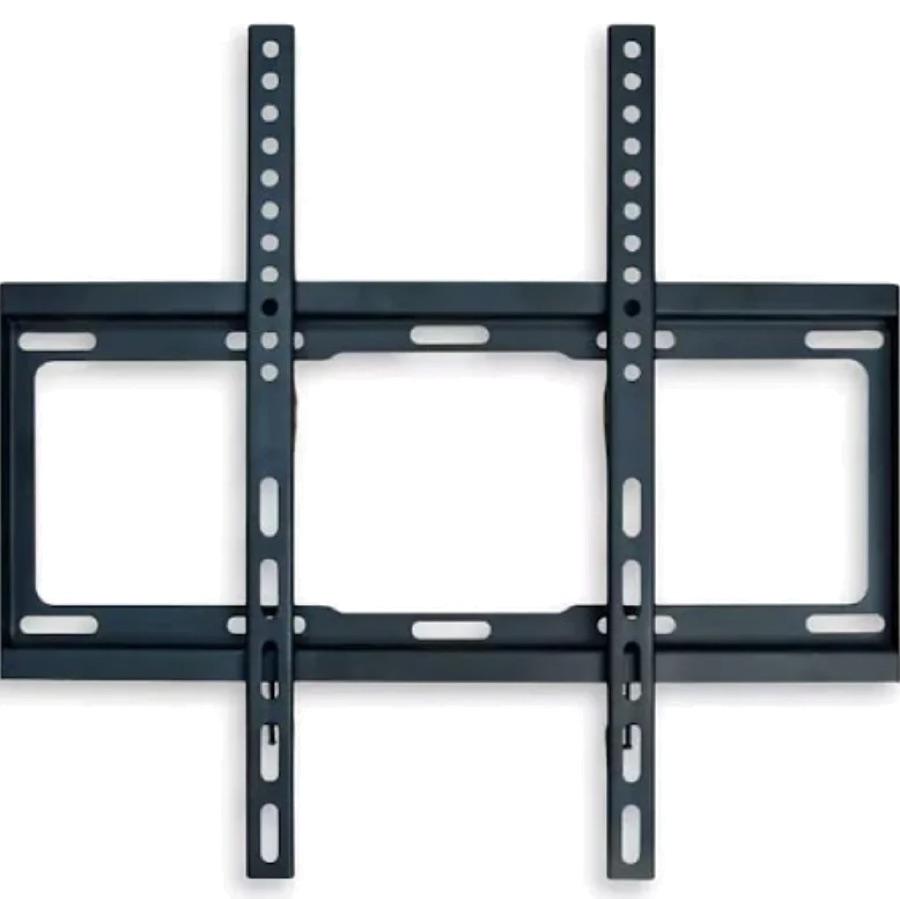
Brixworth Monitor Bracket
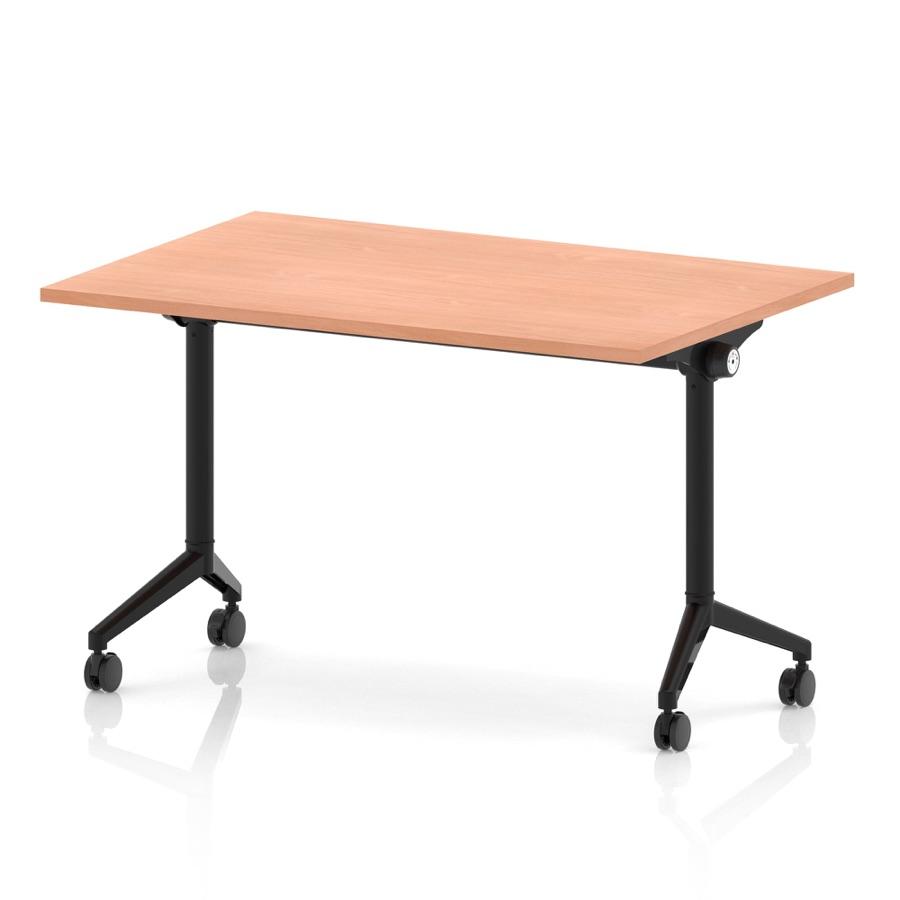
Impulse Flip Top Table
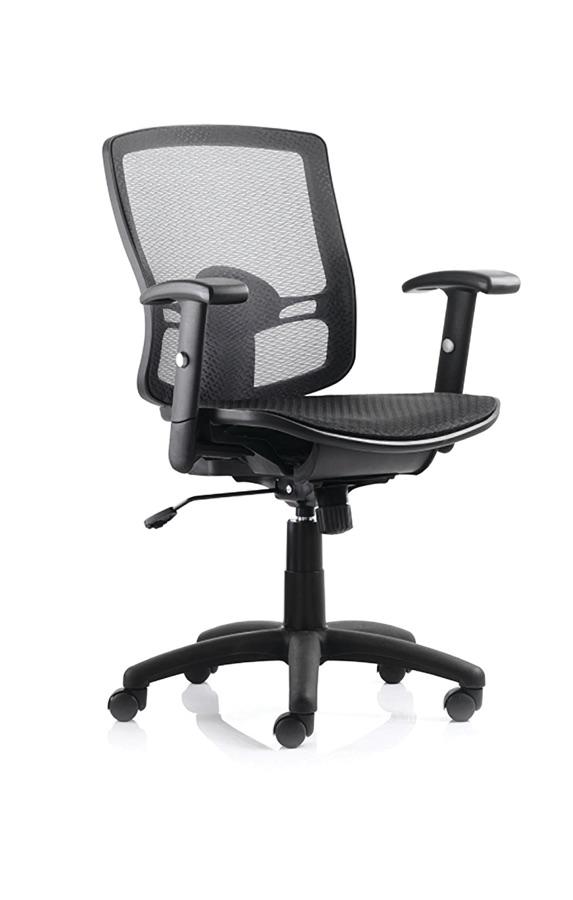
Portland Mesh Task Chair

Larkfield Office

One catalogue

Every channel, one list

  • #1251Harriet Lawson£118.00
  • #1250Tom Reid£346.00
  • #1249Alice Robinson£434.00

eBay Integration

Free tier

Orders in, tracking sent back

Amazon Integration

Free tier

Stock pushed on your schedule

Google Shopping Feed

Free tier

Rebuilt on the schedule you set

Facebook Catalog Feed

Free tier

Microsoft Merchant Feed

Free tier

Pinterest Catalog Feed

Free tier

Snapchat Catalog Feed

Free tier

Your storefront

On every plan

Storefront API

Build your own front end

  • Every order in one Orders list
  • Free tier on the eBay and Amazon plugins
  • Shopping feeds that rebuild themselves
  • Webhooks for your own systems

Where else do you want to sell?

The eBay and Amazon plugins list from your catalogue and bring the orders home. Each has a free tier, with paid plans for bigger catalogues.

Jumps to that channel

eBay and Amazon orders in one list

Imported on the schedule you pick

eBay and Amazon, run from your own catalogue.

Two plugins we build and maintain ourselves, installed from the plugin store. Your products go out, the orders come back in, and you keep one catalogue.

List from Orbit

eBay listings are created from your products, variations included. On Amazon you prepare each listing, preview it against Amazon’s rules and publish it, with Nebula filling the gaps if you ask it to.

Orders come home

Marketplace orders land in your Orders list as normal orders. eBay buyers are created as customers, and eBay-side changes and cancellations are picked up on the next run.

Stock on a schedule

Orbit pushes stock and prices out to eBay and Amazon on the schedule you pick, from every 15 minutes to once a day, hourly by default.

Tracking goes back

Ship an eBay order in Orbit and the tracking number is sent to eBay for you.

Shopping feeds on a schedule

Rebuilt daily, weekly or monthly

Your products where people shop, the sale on your checkout.

A feed plugin for each of Google, Meta, Microsoft, Pinterest and Snapchat. The file is generated for you and fetched by them; the shopper still buys on your storefront.

A feed per market

Run separate feeds by country and currency, for example Google Shopping UK in pounds and Google Shopping IE in euros.

Refreshed for you

Switch on scheduled generation and each feed is rebuilt once a day by default, or once a week or once a month if you prefer.

The right file for each

RSS XML for Google and Microsoft, CSV for Meta, Pinterest and Snapchat, in the columns each of them asks for.

Google gets a push too

The Google plugin also sends products straight into Merchant Center through the Merchant API, as well as publishing the feed.

The channel chores you stop doing.

Six things that happen on their own once a channel is connected.

Retyping marketplace orders

eBay and Amazon orders import on a schedule into your Orders list. An eBay order brings the buyer, their address and the lines; an Amazon order brings its lines and prices.

Updating stock on every site

One push per channel on your schedule, from the same Orbit count your own shop sells from.

Uploading feed files

Each feed is generated on its schedule and fetched by Google, Meta, Microsoft, Pinterest or Snapchat from its own URL.

Posting eBay tracking

When you fulfil an eBay order in Orbit, the shipment and tracking number go to eBay.

Raising dropship orders

A customer order with supplier-sourced lines raises one purchase order per supplier, automatically.

Telling your other systems

Webhooks, from order.created to b2b_invoice.paid, reach your ERP or middleware the moment something changes.

The exact terms, for whoever sets it up.

The detail a careful buyer and their developer want before they move: what each channel does and how each one connects.

Your storefront

Your domain, your checkout.

A hosted shop on your own domain, connected with one click through Domain Connect where your registrar supports it. Address and delivery on Orbit’s page, the card step on a Stripe-hosted page with wallets built in. Keep the three-step default or switch on a single-page checkout.

  • Custom domain
  • Domain Connect
  • Three-step or single-page checkout
  • Stripe-hosted card step
  • Apple Pay and Google Pay
Explore the page builder

Your own systems

Scoped keys, webhooks, a GraphQL storefront API.

Create store API keys in Settings with only the scopes a system needs, subscribe webhooks to order, payment, customer and B2B events, and build your own front end on the GraphQL storefront API for products, carts and checkout. The API reference, store API keys and webhooks are documented at developers.orbitcommerce.net.

  • Scoped API keys
  • Webhook events
  • GraphQL storefront API
  • OpenAPI docs
Read the API docs

Trade accounts

A second channel, no second platform.

Company accounts with their own price lists, buyer permissions and spending limits, and trade applications from your storefront. Enterprise plan.

  • Company price lists
  • Trade applications
  • Spending limits
  • Enterprise
See B2B and wholesale

Dropship suppliers

Sell a range you never stock.

Connect a supplier from the directory, import their products, and keep their stock and cost prices in sync. Each sale raises a purchase order for each supplier, and their tracking lands back on the customer’s order.

  • Supplier directory
  • Catalogue import
  • Stock sync
  • One purchase order per supplier
  • Tracking back to the order
See dropshipping

eBay plugin

Listings, orders, tracking.

Variations become one listing with variations. Orders import with the buyer as a customer, and cancellations and changes are picked up on the next run.

  • Variations
  • Buyer becomes a customer
  • Orders imported
  • Cancellations picked up
  • Tracking sent back
  • 15 min to daily
  • Free tier

Amazon plugin

Prepare, preview, publish.

Each listing is built against Amazon’s product type rules, previewed, published and read back 15 minutes later. Stock pushes every 15 minutes to once a day when you fulfil the orders yourself; with FBA, Amazon keeps the count.

  • Product type mapping
  • Preview against Amazon’s rules
  • Read-back
  • 15 min to daily
  • FBA and MFN
  • Free tier

Feed plugins

Every feed from one catalogue.

Google and Microsoft take RSS XML; Meta, Pinterest and Snapchat take CSV. Switch on scheduled generation and each feed is rebuilt once a day by default.

  • Google
  • Meta
  • Microsoft
  • Pinterest
  • Snapchat
  • RSS XML
  • CSV
  • Daily, weekly or monthly
  • Free tier

Pick a plan, then add the channels.

Every plan includes your own storefront. The eBay, Amazon and feed plugins install from the plugin store on any plan, and trade accounts come with Enterprise.

Solo

Works on every plan

£19

a month, billed yearly, ex VAT

Available: eBay, Amazon and feed plugins

14 days free, no card

Team

£64

a month, billed yearly, ex VAT

Available: eBay, Amazon and feed plugins

14 days free, no card

Pro

£187

a month, billed yearly, ex VAT

Available: eBay, Amazon and feed plugins

14 days free, no card

Enterprise

£749

a month, billed yearly, ex VAT

Available: eBay, Amazon and feed plugins

14 days free, no card

What each channel costs on top of your plan

What each channel costs on top of your plan
PluginSells onPrice today
eBay Integration in the plugin store (opens in a new tab)eBay: listings, orders and trackingA free tier, with paid plans for bigger catalogues
Amazon Integration in the plugin store (opens in a new tab)Amazon: listings, stock and ordersA free tier, with paid plans for bigger catalogues
Google Shopping Feed in the plugin store (opens in a new tab)Google Merchant Center: RSS XML feedA free tier, with a paid plan for bigger catalogues
Facebook Catalog Feed in the plugin store (opens in a new tab)Meta Commerce Manager: CSV feedA free tier, with a paid plan for bigger catalogues
Microsoft Merchant Feed in the plugin store (opens in a new tab)Microsoft Merchant Center: RSS XML feedA free tier, with a paid plan for bigger catalogues
Pinterest Catalog Feed in the plugin store (opens in a new tab)Pinterest: CSV feedA free tier, with a paid plan for bigger catalogues
Snapchat Catalog Feed in the plugin store (opens in a new tab)Snapchat: CSV feedA free tier, with a paid plan for bigger catalogues

Each plugin’s listing in the plugin store shows its current price and terms.

One list

Marketplace orders

eBay and Amazon orders import on the schedule you pick, into the same Orders list as your storefront’s.

Your checkout

Shopping feeds

Every click from Google, Meta, Microsoft, Pinterest and Snapchat lands on your own storefront, so the sale goes through your checkout.

Coming soon

TikTok Shop

The plugin will list from the same catalogue and bring TikTok Shop orders into your Orders list.

Where do you want to start?

I sell on eBay or Amazon already

Open your shop, install the plugin, connect your seller account and let the listings and orders sync from one catalogue.

I sell to trade customers

Company accounts, trade prices and applications from the storefront run on Enterprise, in the same Orders list.

I have a developer

Scoped API keys and webhooks, documented in public, and a GraphQL storefront API for your own front end.

Channel questions, answered.

What each channel does, what it costs, and how it connects to your shop.

Open your shop, then add eBay and Amazon when you’re ready.

The eBay, Amazon and feed plugins all have a free tier, with paid plans for bigger catalogues, so a new channel costs nothing to try and its orders land in the Orders list you already use.

We value your privacy

We use cookies to enhance your browsing experience, analyse site traffic, and personalise content. By clicking "Accept all", you consent to our use of cookies. You can manage your preferences or learn more in our Cookie Policy.