Every order, from placement
to doorstep.
Orbit handles orders from the moment a customer checks out to the moment the carrier picks them up. Draft orders, live editing, refunds, packing slips, CSV import: with Royal Mail direct and 100+ carriers through Orbit Shipping. No third-party apps.
Order management
See every order, at a glance.
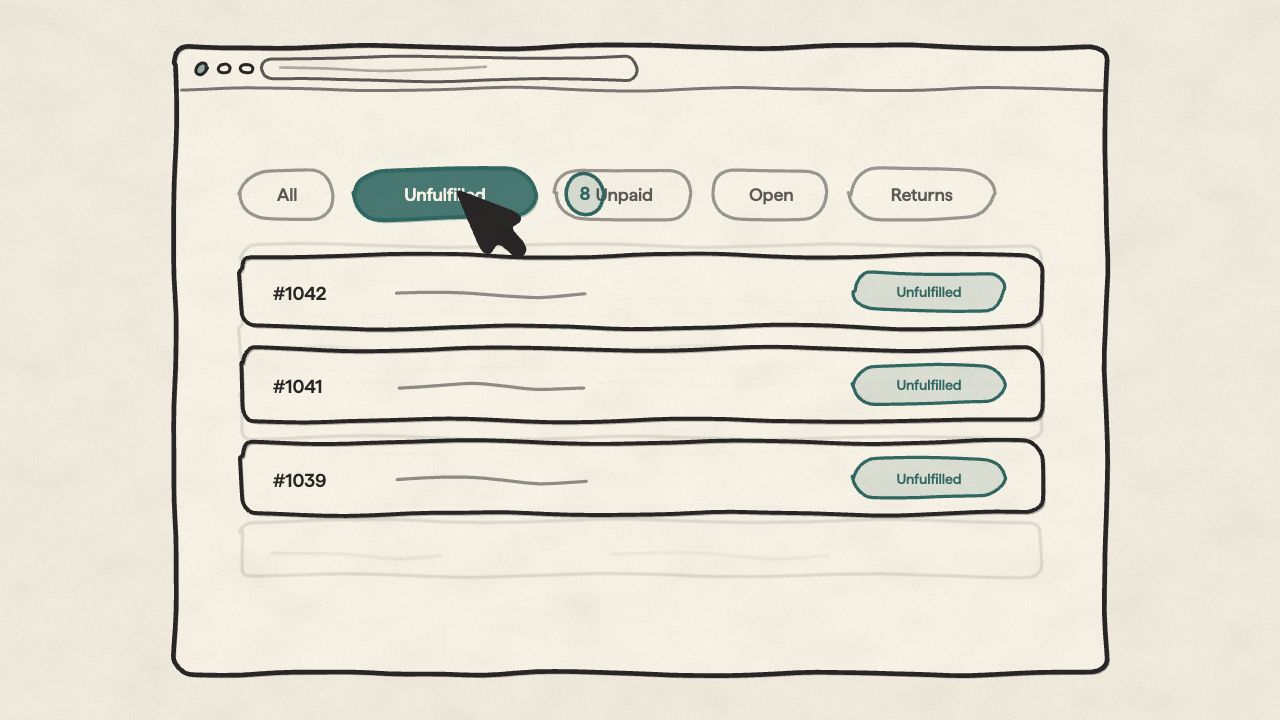
One view for every status
All, Unfulfilled, Unpaid, Open, Returns, Archived. Switch between them instantly so you can focus on what needs doing now, not scroll through everything else.
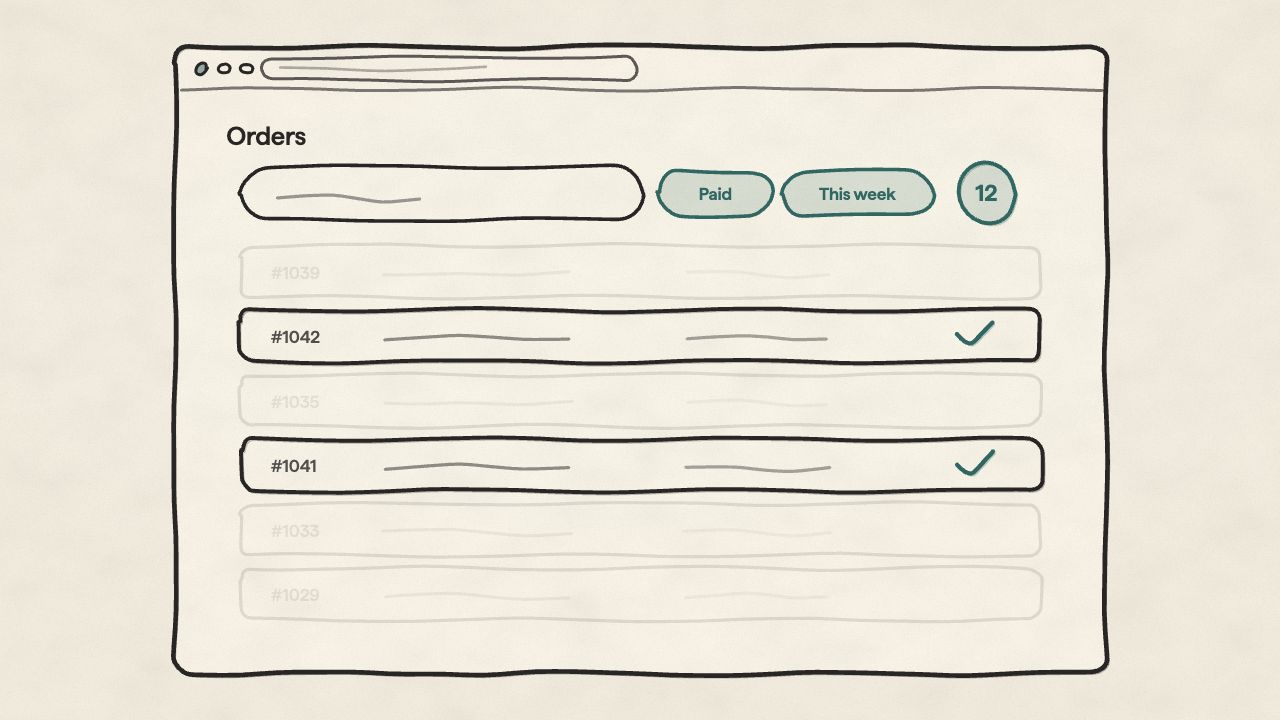
Find any order in seconds
Filter by payment status, order status, date range, return status, and archive status. Combine filters to narrow 10,000 orders down to the twelve you actually need to look at.
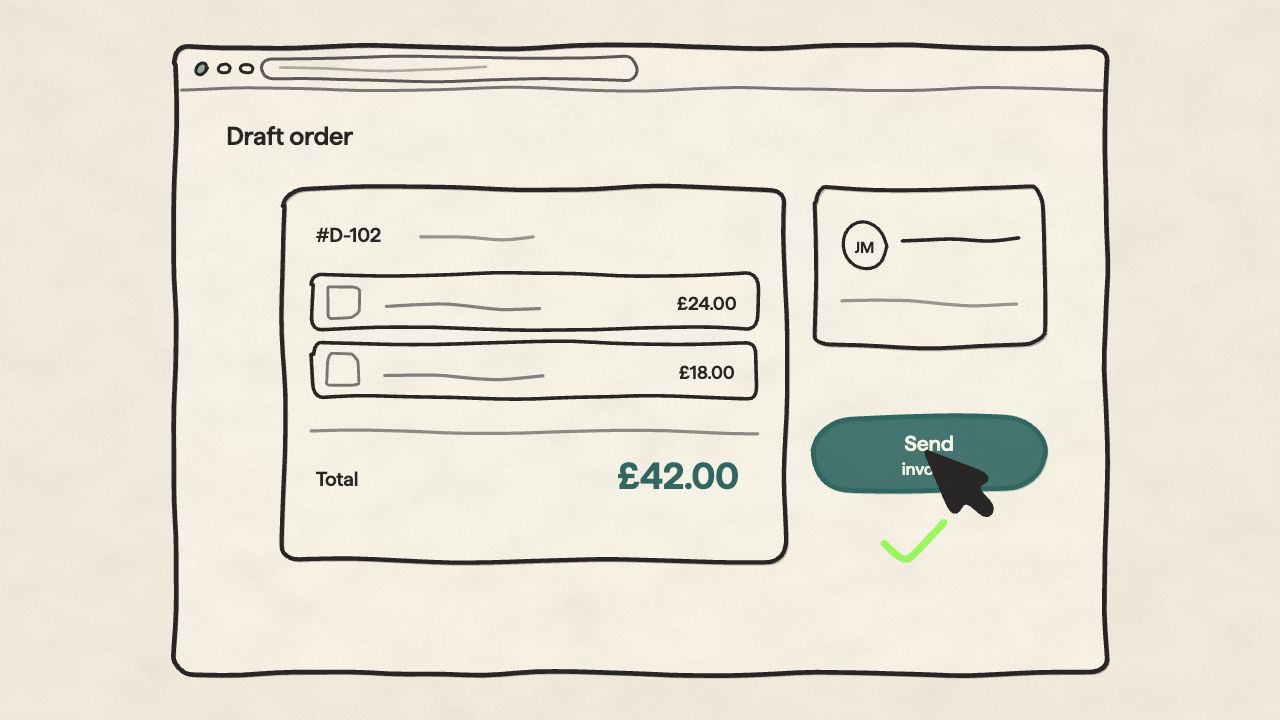
Build an order by hand, send it for payment
Browse your catalogue, add the items, set addresses and pricing, then send the draft to the customer to pay. Phone orders, wholesale, invoicing a one-off job: none of it needs a storefront checkout.
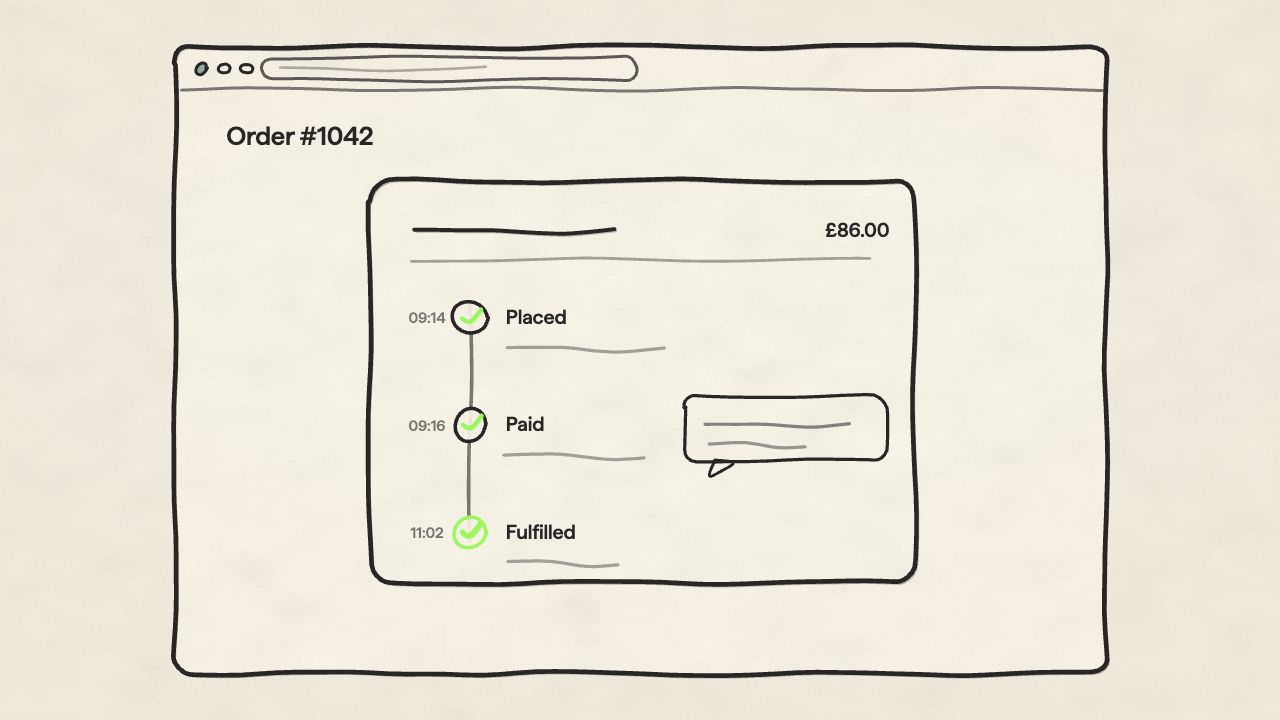
Every detail, one page
Line items, payment, fulfilment, customer, timeline: one view. Internal comments keep team discussion on the order itself, and every edit leaves a trail showing who changed what and when.
A day with one order
Follow one order, start to finish.
Everything below happens on a single order page: no tabs, no second tool, no copy-pasting between systems.
Order placed
A customer checks out. The order lands in All and Unfulfilled, and the timeline starts recording.
Customer calls: order edited
They want a different colour and a new delivery address. Change items, addresses, shipping or pricing on the live order: no cancel-and-recreate. The edit goes on the timeline with your name on it.
A comment for the team
"Swapped to navy, confirmed by phone." Internal comments sit on the order timeline, where the next person to open the order will actually read them.
Packed and labelled
Print the packing slip, buy the label (Royal Mail direct, or one of 100+ carriers through Orbit Shipping) and the tracking number attaches itself to the order.
One item refunded
The mug arrived chipped. Issue a partial refund with a reason, recorded on the order. The rest of the order stays exactly as it was.
Two people, one order? If a teammate has the same order open, their avatar shows on it, and you get a collision warning before you overwrite each other's changes.
Shipping & carriers
Ship with the couriers you already use.
Royal Mail is integrated directly. Everything else: DPD, Evri, Yodel, Parcelforce and 100+ carriers worldwide: comes through a single Orbit Shipping connection. One setup, labels bought from the order, tracking attached automatically.
Data & detail
Data that moves with you.
Import your order history from another platform, export for the books, and keep internal notes and tags on every order.
Migrate in via CSV
Bring your order history over from any platform that exports to CSV. Map your columns once, import runs in the background.
Export for your accountant
Pull orders with line items, shipping, and customer details out to CSV: for spreadsheets, accounting software, or whoever does your books. Any date range, any view.
Comments your team will actually see
Internal comments live on the order timeline, next to the events they're about: 'Customer called, swap to navy', 'Held for payment check'. Not in a notes app, not in a group chat.
Works with the rest of Orbit
Returns, against the original order.
When a customer sends something back, the return shows up against the original order: approve it, refund from the same screen, keep the whole history in one place. No jumping between tools.
Explore returnsOrders, in detail.
Drafts, edits, refunds, carriers: the details merchants ask about most.
Run your orders, your way.
Free to start, and your order history comes with you, CSV import is built in.