Service bookings

A booking is
just another
product.

Sell consultations, fittings, classes and site visits as products. Set the length of a slot and how many people fit in it, and your service bookings land on a calendar in your dashboard the moment the customer pays, with their details beside each one.

On every plan, from £25 a month

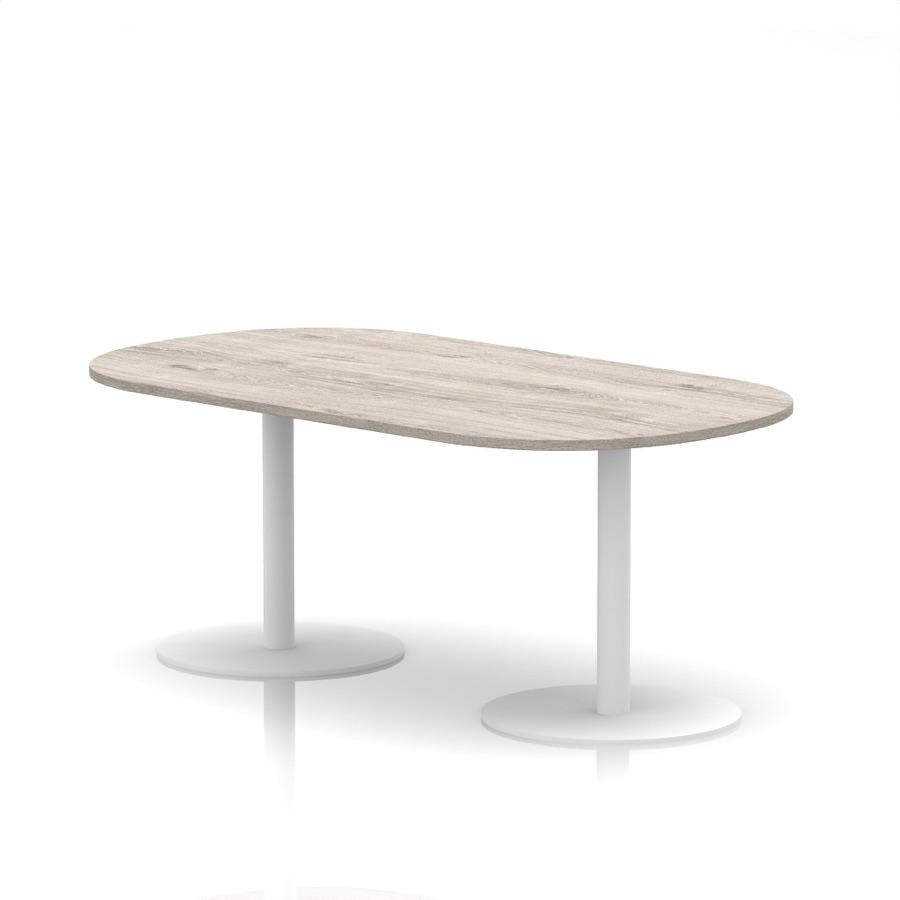
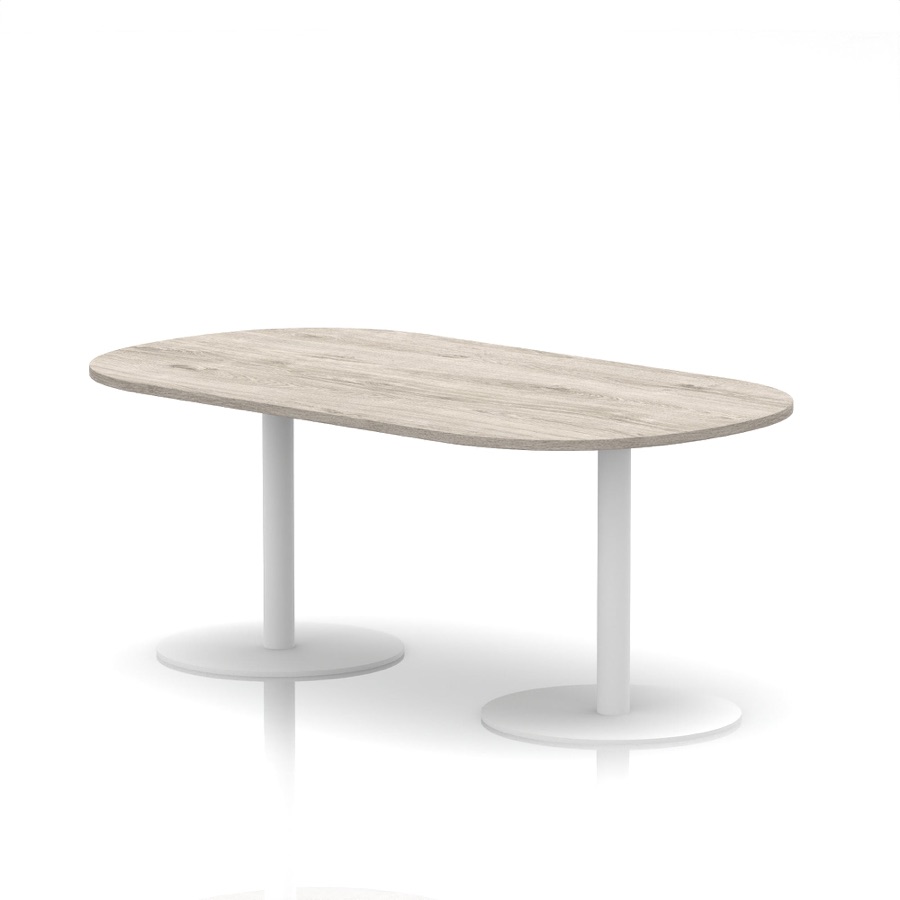
Italia Boardroom Table from the Larkfield Office catalogue
Larkfield Office
ShopServices
2
Office fit-out consultation
£120.00
Service: booking confirmed after checkout
Duration60 minutes
Lead time1-day notice required
Preferred date & time
Date
29/09/2026
Time
10:30
The provider will confirm availability after checkout.
Book Now
Cancellation policy
A 25% fee applies if you cancel. Reschedule free from your account.
25% cancellation fee may apply
Item added to cart
Online booking on your shop
  1. Bookings
Search⌘K
22MEMark Ellis
  • Dashboard
  • Commerce
  • Orders
  • Products
  • Suppliers
  • Customers
  • Discounts
  • Gift Cards
  • Bookings
  • Subscriptions
  • Payments
  • Content
  • Media Library
  • Blog Posts
  • Storefront
  • Insights
  • Analytics
  • Marketing
  • Configuration
  • Plugins
  • Settings
  • Installed plugins
  • Loyalty Points
  • CRM
LO
Larkfield Office
larkfield-office.myorbitcommerce.net
Bookings
Service appointments and time blocks for this store.
CalendarListBlock time
September 2026Today
Sun
Mon
Tue
Wed
Thu
Fri
Sat
30
31
1
2
31 booking
11:00Sophie Bennett
4
5
6
7
81 booking
14:00Daniel Okafor
9
101 booking
16:00Tom Fletcher
11
12
13
14
151 booking
10:00Hannah Webb
16
17
184 bookings
09:00Harriet Lowe11:00Tom Fletcher14:00Sophie Bennett+1 more
19
20
211 booking
10:00Tom Fletcher
22
231 booking
14:00Hannah Webb
241 booking
15:00Callum Reid
252 bookings
09:00Daniel Okafor11:00Sophie Bennett
26
27
28
291 booking
10:30Priya Chandran
301 booking
13:00Blocked
1
2
3
ConfirmedPendingCompletedCancelledNo-showBlocked
Booking
Confirmed
esc
When
Tuesday, Sep 29 2026 · 10:30 – 11:30
60 minutes · capacity 1
Product
Office fit-out consultation
View product
Customer
View customer
Priya Chandran
priya.chandran@example.com07700 90012314 Mill LaneLarkfield, Kent, ME20 6PA
Order
View order
Mark no-showMark completeCancel bookingClose

Bookings built in

From checkout to your calendar

  • On every plan
  • Nothing on top of the card rate
  • Refunds worked out to the penny
  • Customers reschedule from their account

Service type on every plan

Length, places, notice and a fee

Set up like a product

A service is a product with a clock on it.

Pick the Service type when you add a product and a Service details section appears. Everything else, from the photos to the price, works the way it does for a chair.

Length and unit

Session duration in minutes, hours or days. A 45-⁠minute fitting and a two-day install are the same two fields.

How many per slot

Capacity per slot is 1 for one-to-one work and higher for a class. Each booking takes one place, rescheduling only offers slots with room, and the product page says “Up to 4 bookings per slot”.

Notice and changeover

Set the notice you need in hours and a gap between bookings in minutes. Both shape which slots a customer is offered when they reschedule.

A cancellation fee if you want one

Set a fee from 0 to 100 percent and your policy in plain words. Both show on the product page, and the refund is worked out for you when anyone cancels.

Customer self-service

Book, pay, reschedule and cancel

What the customer sees

Book, pay and move it themselves.

The product page takes their preferred date and time, checkout takes the payment, and their account holds the booking with Reschedule, Cancel and a calendar file.

Date and time on the product page

Under the price sit the facts you set: duration, capacity and the notice you need. The customer enters a date and a time and presses Book Now.

Paid at checkout, booked at once

Checkout takes the price like any other order, and the booking lands on your calendar and in their account as soon as the payment goes through.

Reschedule without a phone call

My Bookings in their account lists what is coming up. Reschedule offers only free slots for the next 30 days, worked out from your hours, capacity, lead time and blocked time.

Cancel with the refund shown first

Cancel shows your policy and the estimated refund after any fee before they confirm, and the refund goes back to their card.

Runs without you

The diary keeping that happens on its own.

Six things the calendar takes care of for you.

Booked when they pay

The booking is created and marked Confirmed the moment the payment goes through. Nothing to accept, nothing to type.

Your hours, your time zone

Service Hours in Settings hold open and close times for each weekday and a time zone. Reschedule slots are worked out inside them, daylight saving included.

Reschedules skip blocked time

Block a stretch of the calendar for a service and it takes the whole capacity, so no customer can move a booking into it.

Refund maths done for you

Cancel from the drawer, or let the customer cancel, and the refund is the price minus your cancellation fee, rounded to the penny and sent to the card through Stripe.

In their account at once

Each paid booking shows under My Bookings in the customer’s account, with Reschedule, Download ICS and Cancel.

Bookings counted per service

Analytics adds up the confirmed and completed bookings for each service over any date range.

The calendar

One place for every appointment.

Bookings in the sidebar is a month calendar and a list of the same data, with a drawer for each booking and a button to block time.

Bookings

Month view, list view, block time.

Each day shows its bookings as chips with the time and the customer’s name, coloured by status, and +N more when a day is busy. List is the same data as rows: Date, Time, Duration, Customer, Status. Today jumps back to this month.

  • Month view
  • List view
  • Colour by status
  • Block out time

The drawer

Who, when, what, and the order.

Click a booking for the date and time range and its length, the service with a link to the product, the customer with email, phone and address, and the order.

  • Customer contact details
  • Links to the order
  • Links to the product

Statuses

Confirmed on payment, closed by you.

A paid booking arrives Confirmed and blocked time shows as Blocked. After the appointment, Mark complete or Mark no-⁠show records how it went.

  • Mark no-shows
  • Mark visits complete
  • Blocked time shown

Cancellation fee

A percentage, applied both ways.

Set a fee from 0 to 100 percent with a policy in plain words. Whether you cancel or the customer does, the refund is the price minus the fee, and a customer who cancels sees the refund before they confirm.

  • 0 to 100%
  • Policy text required with a fee
  • Same maths for both sides

Booking analytics

Bookings per service, for any period.

The analytics dashboard adds a booking section for stores with service bookings, counting the confirmed and completed bookings for each service over the dates you pick.

  • Bookings per service
  • Any date range

My Bookings

Their account, their changes.

Upcoming and Past tabs. Each upcoming booking has Reschedule, Download ICS and Cancel. Rescheduling offers only free slots for the next 30 days and the slot is checked again when they confirm.

  • Reschedule
  • Cancel
  • Calendar file
  • Past visits kept

Pricing

On every plan, from Solo.

Prices in pounds, ex VAT. Change plan whenever you like.

Solo

Included from here

£19

a month, billed yearly, ex VAT

Included: Service products, bookings and the calendar

14 days free, no card

Team

£64

a month, billed yearly, ex VAT

Included: Service products, bookings and the calendar

14 days free, no card

Pro

£187

a month, billed yearly, ex VAT

Included: Service products, bookings and the calendar

14 days free, no card

Enterprise

£749

a month, billed yearly, ex VAT

Included: Service products, bookings and the calendar

14 days free, no card

Compare every plan

A booking is paid like any order, at your plan’s card rate: UK personal Visa and Mastercard are 2% + 25p on Solo. There is no fee per booking and no add-on to install.

Booked on payment

The product page

Customers enter the date and time they prefer and pay at checkout, and the booking lands on your calendar as Confirmed.

Add to calendar

After they book

Customers get the order confirmation email, an Add to calendar button on the order in their account, and Download ICS in My Bookings.

Per service

Staff and rooms

Give each fitter or room a service of their own. Open any booking on the calendar and its drawer names the service and the customer, with a link to each.

Get started

What are you booking?

Consultations and site visits

One-to-one work. Set the duration and the notice you need, add a cancellation fee if you want one, and mark each visit complete afterwards.

Classes and group sessions

Set the capacity per slot to the number of places and price the session. Each booking takes one place, the product page shows how many places a slot has, and rescheduling only offers slots with room.

FAQ

Booking questions, answered.

Set-up, payment, cancellations, classes and what it costs, in plain words.

Keep reading

Where a booking goes next.

On every plan

Put your first service on the calendar today.

Add a product with the Service type, set the length and the price, and publish.

Start for free
14 days free, no cardSee the pricing

We value your privacy

We use cookies to enhance your browsing experience, analyse site traffic, and personalise content. By clicking "Accept all", you consent to our use of cookies. You can manage your preferences or learn more in our Cookie Policy.