Abandoned cart recovery

Get back
the sales that
nearly got away.

Abandoned cart recovery emails a shopper who leaves a cart a link straight back to it, on the delay you choose. Every cart that comes back is marked recovered, so you can see what the reminder is doing.

Start for free
14 days free, no cardSee the pricing
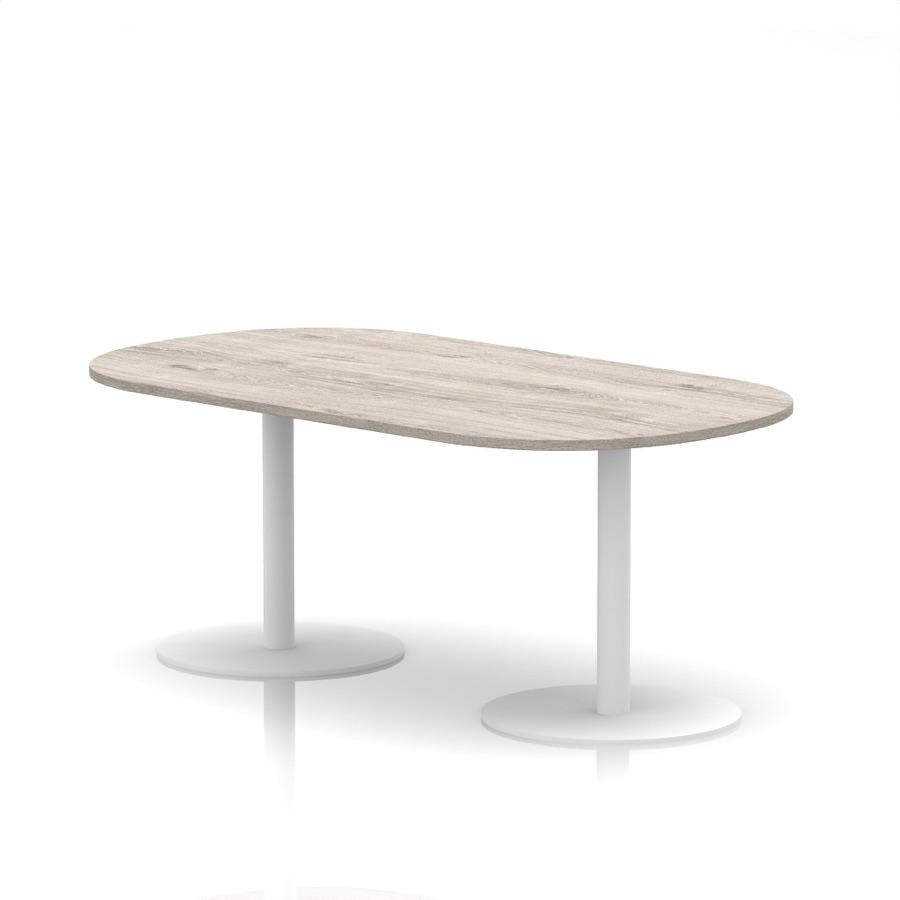
Italia Boardroom Table from the Larkfield Office catalogue
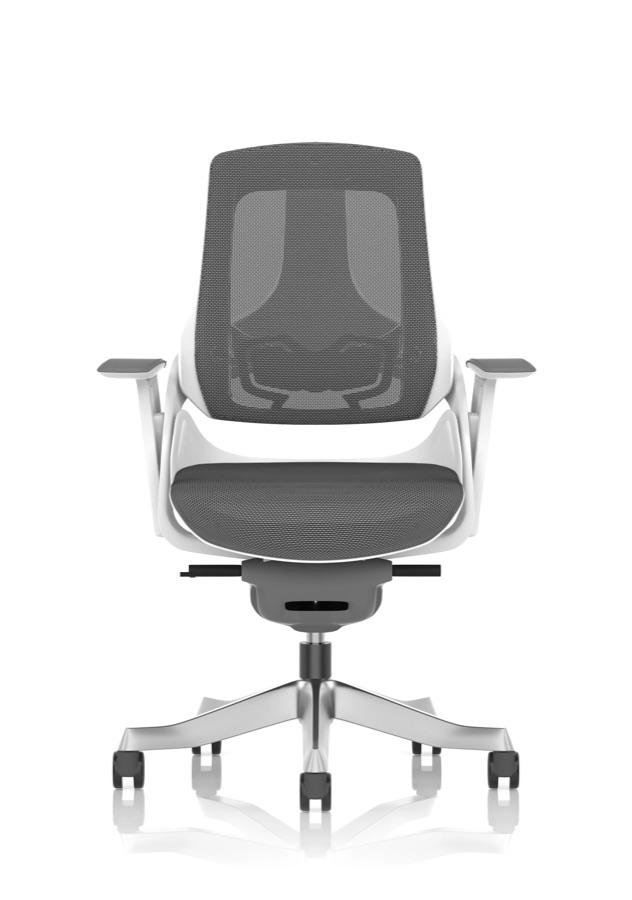
Zure Executive Chair from the Larkfield Office catalogue
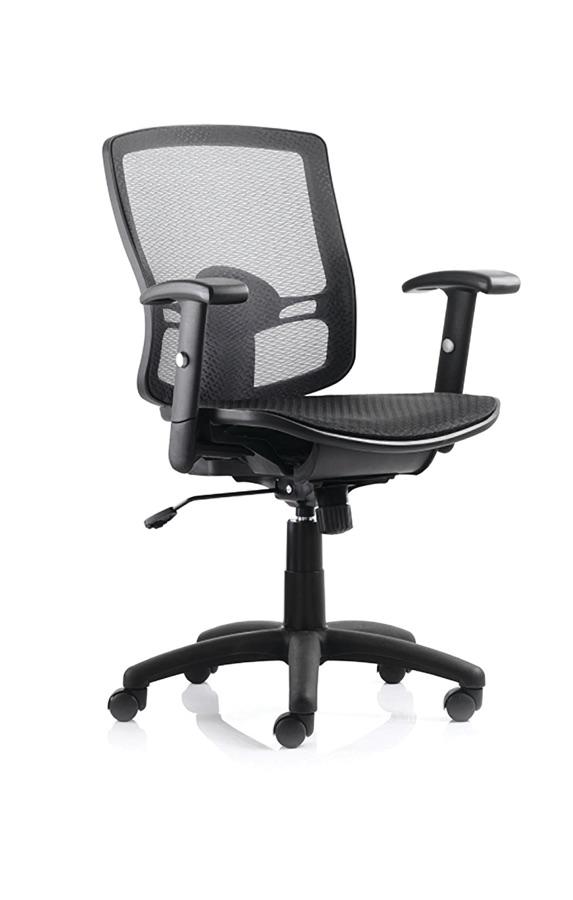
Portland Mesh Task Chair from the Larkfield Office catalogue
Nebula sets it up

Automatic reminders

On the delay you set

Guests reminded too
Restores the cart

Recovered orders counted

Real orders, not an estimate

  • On every plan
  • Waits 1 to 24 hours
  • Link works for 7 days
  • Skips carts already bought

Cart recovery on every plan

Abandoned checkouts in their own list

For you

Switch it on once. It works every cart.

Abandoned checkouts have their own list under Orders. Turn recovery on, pick a delay, and every abandoned checkout gets its reminder without you touching it.

One switch

Off until you turn it on. After that, every abandoned checkout with an email address gets a reminder. Orbit looks for quiet carts every 15 minutes.

Your delay

Wait 1, 2, 4, 6, 12 or 24 hours after the last cart activity. Soon enough to catch them, late enough not to nag.

Your subject line

Keep “You left something behind!” or write your own, up to 200 characters.

Every cart in one list

Not sent, sent or clicked, with the cart total beside each shopper. Search by name or email, and open any cart to see its items and its email timeline.

Recovery on your own storefront

The cart restored in one click

For your customer

Back in their cart.

The reminder is a short email with one button. It brings them back to your own storefront with the cart they left already restored.

Their cart, still full

They land on a Welcome back! page with Continue to checkout and Review my cart, so they pick up where they stopped instead of starting again.

Your logo and colours

The email uses the logo and primary colour from your email Branding tab, and it is one of the customer email templates you can edit.

Try it on yourself

Send Test Email from the settings page puts the reminder in your own inbox before any shopper gets one.

A link that expires

Each link works for 7 days, so an old email cannot reopen a cart weeks later.

Runs without you

The follow-ups you stop sending by hand.

Six things recovery does on its own once it is switched on.

Finds the carts

Every 15 minutes Orbit picks up checkouts left untouched past your delay, as long as there is an email address to write to.

Leaves payers alone

Skips anyone who is on the payment page right now, so nobody gets a reminder halfway through paying.

Writes once

One reminder per cart. Signed-in customers who turned off marketing emails are not sent one at all.

Skips bad addresses

An address that has bounced or complained before is not written to again.

Follows the click

Marks the email clicked the moment the shopper uses the link to get back to their cart.

Marks the sale

If the order goes through before the delay is up, no reminder is sent. If it goes through after the email, the cart is marked recovered and counted in your recovery rate.

The settings

Every option, in plain view.

Everything recovery can do, named the way the dashboard names it.

Timing

Six delays, measured from the last cart activity.

The clock starts from the shopper’s last change to their cart. Anyone on the payment page at that moment is skipped. The default is 1 hour.

  • 1 hour
  • 2 hours
  • 4 hours
  • 6 hours
  • 12 hours
  • 24 hours
  • Checked every 15 minutes

Statuses

Know where every cart stands.

See where every cart’s reminder stands, and search the list by name or email.

  • Not sent
  • Queued
  • Sent
  • Clicked
  • Expired

The link

Back to their cart, on your storefront.

The link lands on your own domain, restores the cart and opens a Welcome back! page with a button to checkout.

  • Your storefront domain
  • Works for 7 days
  • Restores the cart
  • Welcome back! page

Reporting

The numbers on the settings page.

Clicks and recoveries come with their rate, so you can see where the drop is.

  • Emails sent
  • Clicked
  • Click rate
  • Recovered
  • Recovery rate

The email

Your subject, your branding.

Sent with your store’s logo and primary colour, editable in the template editor, with your sender address as the reply-⁠to.

  • Custom subject
  • 200 characters
  • Store branding
  • Template editor
  • Reply-to is yours

By hand

Chase one cart yourself.

Open an abandoned checkout marked Not sent and press Send Recovery Email to send its reminder now. Send Test Email on the settings page puts the reminder in your own inbox first.

  • Send Recovery Email
  • Send Test Email

By Nebula and the API

Or ask Nebula, or call the API.

Ask Nebula to switch recovery on, set the delay or read back the numbers. The public API lists carts, returns one, returns the analytics and sends a recovery email.

  • Nebula sets it up
  • Nebula reports the numbers
  • API: list, detail, analytics, send
  • cart:read and cart:recover scopes

One email

Per abandoned cart

One reminder, sent on the delay you chose, with a link straight back to the cart.

Guests too

Signed in or not

A guest who typed their email at checkout gets the reminder, just as a signed-in customer does.

Real orders

Not an estimate

Recovered means an order was placed from that cart after the email went out. Nothing is modelled.

Pricing

On every plan. Nothing extra to buy.

Solo

Included from here

£19

a month, billed yearly, ex VAT

Included: Cart recovery included

14 days free, no card

Team

£64

a month, billed yearly, ex VAT

Included: Cart recovery included

14 days free, no card

Pro

£187

a month, billed yearly, ex VAT

Included: Cart recovery included

14 days free, no card

Enterprise

£749

a month, billed yearly, ex VAT

Included: Cart recovery included

14 days free, no card

FAQ

Cart recovery questions, answered.

Everything shop owners ask before they switch it on.

Related

Tune the reminder to your shop.

Guide

Abandoned carts: the orders you already won and then lost

Why shoppers leave, what to send and when, and how to read the numbers.

Email templates

Edit the recovery email

The reminder is one of the customer emails you can edit visually or in HTML.

Discount codes

Offers with a cap on the value and the uses

Percentage or money off, or free delivery.

Included on every plan

Somebody left a cart while you read this. Get it back.

Switch recovery on in your first week and see what comes back. 14 days free, no card required.

We value your privacy

We use cookies to enhance your browsing experience, analyse site traffic, and personalise content. By clicking "Accept all", you consent to our use of cookies. You can manage your preferences or learn more in our Cookie Policy.