3D configurator and calculators

Show it in
their room.
Count what
they need.

A 3D product configurator lets shoppers spin your product, see it in each finish and drop it into their own room from their phone. A free calculator builder turns their measurements into the number of packs they need and puts that quantity straight in the basket.

Calculator Builder free on every plan · 3D Product Configurator as a paid add-on, with a free trial

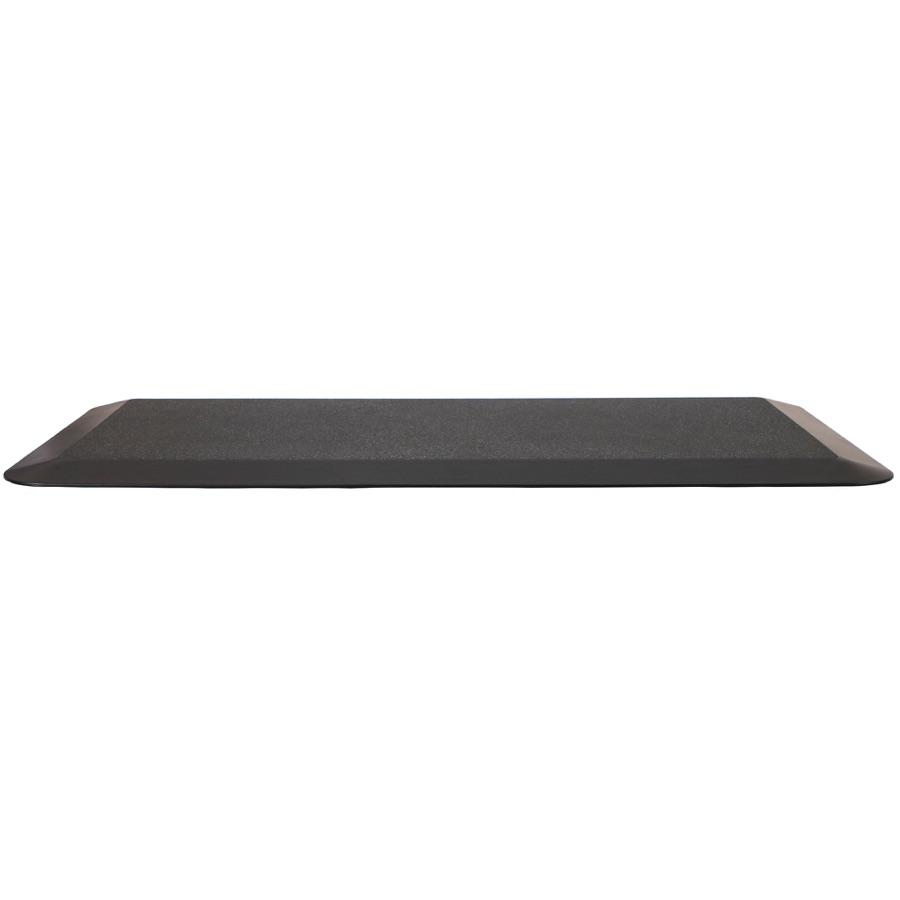
Anti Fatigue Mat from the Larkfield Office catalogue

Area into packs

Straight to the basket

Your products in 3D and AR

Rotate, zoom and see it in the room

Free calculators

A working copy of a Calculator Builder calculator. Nothing is added to a real basket.

How much do I need?

m²
Check the product description for coverage per roll/tin/pack
Packs needed25
Estimated total£625.00

  • Calculator Builder is free
  • 3D for any plan, free to try
  • AR straight from the product page
  • One GLB, finishes matched by name

Two tools. Which question do your customers ask first?

The 3D Product Configurator: spin it, change the finish, see it in the room. A paid add-on for any plan.

Both sit on the product page you already have. Run one, or both side by side.

Finishes follow your options

Matched to the model by name

For your shopper

Spin it. Change the finish. Put it in the room.

The product gallery gets a photo and 3D switch. In 3D the shopper turns the product with a finger or a mouse, zooms into the detail, picks a finish and watches it change, and taps View in your room to see it at full size on their own floor.

Every angle, no photographer

One GLB model replaces the six-angle shoot. Shoppers drag to rotate, scroll to zoom, reset the view or go fullscreen, and you can keep the option pickers on screen in fullscreen too.

The finish changes as they choose it

Pick Walnut and the model shows walnut. Option values are matched to the finishes baked into the model by name, and where a name does not match you pin the right finish to that variant yourself.

In their room, from the product page

On a phone, View in your room uses the phone’s own AR to place the model at real size. On a desktop the same button shows a QR code that opens the page in 3D on their phone.

The photos stay

The gallery keeps every photo. 3D is a second view, opened by the switch in the corner or set as the view that opens first.

Finish mapping in one go

Every suggestion pinned to its variant

For you

Upload one model. Your options do the rest.

Install the add-on and every product gets a 3D Configurator section in its editor, under Plugins. Upload the GLB; if the finishes inside it are named like your option values there is nothing else to do.

Finishes matched by name

The editor reads the finishes baked into the GLB and suggests a match for each variant it can pair by name, exact or close: Walnut to walnut. Apply all, save, done.

Pinned where the names differ

When a value and a finish are named differently, choose the finish for that variant in the Variant models table. Nothing to rename inside the model.

A model per variant, if you need one

A product can carry a different GLB per variant instead of one model with finishes. Variants without their own model use the default.

Lighting set once

Choose Neutral studio or Warm, or upload your own HDR lighting image, for the whole store from the add-on’s settings. Any product, and the Product Media element, can override it.

Free calculator builder

Templates and formulas

Calculator Builder

Turn a measurement into a basket.

The Calculator Builder is a free add-on with a drag and drop builder. Start from a template, wire the inputs to a formula, style it to match the shop and drop it on any page. The quantity it works out can go straight into the basket.

Templates, or a blank canvas

Price quote, coverage (how many packs?), installation or service quote, loan repayment, ROI and bulk pricing with quantity breaks. Edit any of them.

Formulas you can read

ceil(area * waste / coverage) is the whole coverage formula. Sliders, dropdowns, checkboxes and lookup tables feed the variables, and the builder flags a broken formula before it lets you publish.

Quotes that come back as leads

Switch on Email results and the shopper can email themselves the breakdown. You get each submission too, in the calculator’s own inbox, with a Reply button.

Into the basket, in the calculated quantity

On a product page the calculator can add that product at its normal price, with the quantity rounded up to a whole number. Anywhere else, pick the product it should add.

Runs without you

Six things you set once and never touch again.

Once the model is mapped and the calculator is published, the product page does the rest.

The switch appears on its own

As soon as a product has a GLB in its media, the gallery grows its photo and 3D switch. Remove the model and the switch goes.

AR button and QR code

On phones the AR button uses the phone’s own AR; on desktops Product Media shows a QR code that opens the page in 3D on a phone. Switch the button off on the element in the page builder.

Finishes follow the pickers

Every time the shopper changes an option, the model switches to that value’s finish, and a variant with a model of its own loads that model instead.

Lighting inherited

The lighting, tone mapping and shadow you set for the store apply to every model, unless a product sets its own.

Leads land in one place

Every emailed quote is stored as a submission with the visitor’s name, email and their numbers, and you get an email for each one if you want it.

Views and quotes counted

Each calculator shows how many times it has been seen and how many submissions it has taken, on the list where you edit it.

The exact terms

What the model must be, and what the builder can do.

Formats and settings, named as the dashboard names them.

The model

GLB or glTF, with an optional USDZ and poster.

The model goes in the product’s Media section like a photo, and the poster shows while it loads. Compressed files (meshopt, Draco, KTX2 textures) load without conversion. iPhone and iPad open the USDZ in AR when there is one, and need it when the textures are KTX2.

  • GLB / glTF
  • USDZ for iOS AR
  • Poster PNG, JPEG or WebP
  • Meshopt · Draco · KTX2

What an option can do

Switch the finish, or the whole model.

A picked option value switches the model to the finish baked in under the same name. A variant can also pin a finish of its own, or load a model of its own.

  • Finish matched by name
  • Suggested finishes
  • Every suggestion at once
  • Finish pinned per variant
  • Model per variant

Viewer and lighting

Lighting for the store, the rest per product.

The store sets the lighting (Neutral studio, Warm or your own HDR image), tone mapping, contact shadow and full resolution rendering. Each product can add auto-rotate when idle, a field of view from 10 to 90 degrees, a background colour and lighting of its own. The AR button is a switch on the page-builder element.

  • Auto-rotate when idle
  • Neutral studio · Warm · Custom image
  • Tone mapping that keeps colours true
  • Contact shadow
  • Field of view 10 to 90
  • Full resolution rendering

On the product page

Two elements, one shared viewer.

Product Media is the gallery with the photo and 3D switch, the controls pill, the AR button, the QR card and a fullscreen view that can keep the option pickers on screen. 3D Configurator is the standalone viewer for a template of your own. Both sit in the page builder’s Plugins tab once the add-on is installed.

  • Product Media element
  • 3D Configurator element
  • Switch top-right by default
  • Opens in 3D or photos
  • Pickers in fullscreen, optional
  • A how-to hint on the model

Animated models

A GLB with animation plays it.

Choose the clip, whether it autoplays and whether it loops, per product or from the page-builder setting. The gallery adds a small timeline so the shopper can scrub an opening drawer or a folding leg.

  • Clip to play
  • Autoplay
  • Loop
  • Page builder defaults
  • Timeline in the gallery

Calculator elements

Inputs, results, logic and layout.

Inputs: number, slider, dropdown, radio group, checkbox, text and date. Output: result and gauge. Logic: value source and value lookup for tiered pricing. Layout: heading, text, image, separator, button and a step break for a multi-step wizard.

  • Sliders and dropdowns
  • Result · Gauge
  • Value lookup
  • Multi-step calculators
  • Templates or blank

Formulas

Arithmetic, comparisons and functions.

Add, subtract, multiply, divide, remainder and power; comparisons with and, or and not; rounding, min, max, abs, sqrt, pow and clamp, trigonometry and logs, plus if(condition, then, else) and the constants pi and e. Any element can be shown only when a formula is true. Every formula is checked before you can publish.

  • min max round floor ceil
  • abs sqrt pow clamp
  • sin cos tan · exp log
  • If, then, else
  • Show only if
  • Checked on publish

Results, leads and the basket

Instant, or on a Calculate button.

Results update as they type or after a Calculate button. Email results collects a name and an email, sends the breakdown through your store’s verified sender and stores the lead; Add to cart adds the product on the page, or one you choose, in the calculated quantity rounded up. Every calculator also has a share link and an embed snippet for another website.

  • Instant or Calculate
  • Quote emailed to the shopper
  • Your verified sender
  • Add to cart
  • Rounded up, minimum 1
  • Share link · Embed snippet

What you need

Three things before the switch appears.

You bring the model. Everything else is a setting.

The model

A GLB or glTF of the product

From your manufacturer, your CAD package or a 3D artist, with the finishes you sell baked in as material variants and named the way your options are named. On iPhone and iPad the viewer converts the GLB when the shopper taps the AR button, unless its textures are KTX2-compressed; add a USDZ for those models, or to choose the file they open. Android uses the GLB as it is.

GLB / glTFFinishes named like your optionsUSDZ for KTX2 models on iPhone

The options

The product’s options, as usual

The configurator reads the product’s existing options and variants: Top finish, Colour, Size. Name the values as the finishes in the file are named and the mapping does itself; otherwise apply the suggested matches, or pick a finish for each variant, in the 3D Configurator section.

Existing options and variantsMatched by nameSuggested finishes

The page

Product Media on the product template

Put the Product Media element on your product template in the page builder for the gallery’s photo and 3D switch, or the 3D Configurator element for a standalone viewer. A calculator needs only the Calculator element, on any page.

Product Media element3D Configurator elementCalculator elementPage builder, Plugins tab

Finishes and models

What an option can change

An option can switch a finish baked into the model, and a variant can load a model of its own.

Bring the model

Hosted by Orbit

Orbit hosts and displays the GLB you get from your supplier or a 3D artist, in the media library beside your photos.

USDZ for KTX2 models

AR on Apple devices

Android opens the GLB in AR directly. On iPhone and iPad the viewer converts it when the shopper taps View in your room, unless its textures are KTX2-compressed; for those models, or to choose the file they open, upload a USDZ.

Pricing

Calculators free. 3D as a paid add-on, on any plan.

Solo

Works on every plan

£19

a month, billed yearly, ex VAT

Available: 3D Product Configurator add-on

14 days free, no card

Team

£64

a month, billed yearly, ex VAT

Available: 3D Product Configurator add-on

14 days free, no card

Pro

£187

a month, billed yearly, ex VAT

Available: 3D Product Configurator add-on

14 days free, no card

Enterprise

£749

a month, billed yearly, ex VAT

Available: 3D Product Configurator add-on

14 days free, no card

Compare every plan

The 3D Product Configurator is billed on top of any plan and priced on its listing in the Plugin Store, with a free trial on install and no card until you subscribe. The Calculator Builder is free. Plan prices exclude VAT.

FAQ

Configurator questions, answered.

Eleven things people ask before uploading a model or publishing a calculator.

Related

Where the configurator plugs in.

Products

Products and variants

The options and variants the configurator reads are the ones you already set on the product.

Page builder

Where the elements go

Product Media, 3D Configurator and Calculator are page-builder elements: the first two go on the product template, the calculator on any page.

Media

The library that holds the model

GLB, glTF and USDZ files sit in the media library beside your photos, from 100GB on Solo to 1TB on Enterprise.

Calculators free, 3D free to try

Answer the showroom questions on the product page.

Upload the model, name the finishes, drop the elements on the product template. Add a calculator for the things people count. 14 days free on Orbit and a free trial on the 3D add-on, no card for either.

Start for free
14 days free, no cardSee the pricing

We value your privacy

We use cookies to enhance your browsing experience, analyse site traffic, and personalise content. By clicking "Accept all", you consent to our use of cookies. You can manage your preferences or learn more in our Cookie Policy.