Physical stock, downloads, subscriptions, bookable services, gift cards and bundles all start on the same New Product screen. Unlimited products on every plan, and your Shopify or WooCommerce export comes straight in.
Physical productTangible items that require shipping
Digital productDownloadable files and digital content
SubscriptionRecurring billing with configurable plans
ServiceProfessional services and consultations
Gift cardPrepaid store credit, emailed to the recipient on payment
BundleA fixed kit of existing products, sold as one. Stock derives from its components
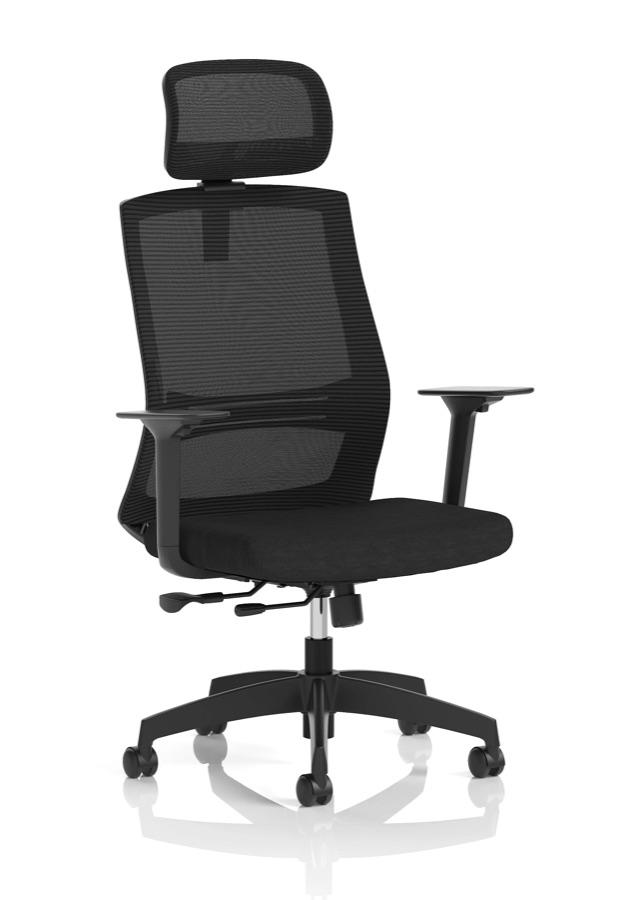
Title *Ventra Mesh Back Task Operator Office Chair Height Adjustable Arms
Description
ParagraphColours
Breathable mesh back task chair with height adjustable arms, a padded fabric seat and synchro tilt. Built for long days at a desk in the home or office.
Media
Add media to your productDrag images, videos, or 3D models hereAdd mediaor drop images here to upload
Add media (1999 of 2000 images remaining)
1 image(drag to reorder, first image is primary)
Primary
Pricing
Price *£346.00
Compare-at price£0.00
Cost per item£0.00
Profit£
Margin
Variants
This product has variants
Create variants if this product comes in multiple options, like different sizes or colours
Meta descriptionBreathable mesh back task chair with height adjustable arms, a padded fabric seat and synchro tilt. Built for long days at a desk in the home or office.
Product created
Product "Ventra Mesh Back Task Operator Office Chair Height Adjustable Arms" has been created successfully.
OwnerStaff
Margin as you type
Per product and variant
Import built in
Shopify and WooCommerce
EB
Co-editing on Team and above
Nobody’s work gets overwritten
Unlimited products on every plan
Six product types
Shopify and WooCommerce exports recognised
Two people can edit one product at once
Moving a catalogue, or starting one?
Upload your Shopify or WooCommerce export, or any CSV or Excel file, and check the preview before anything is written.
Jumps to that part of the page
Bulk updates by spreadsheet
Matched by SKU, handle or barcode
Your old shop’s export, straight in.
The importer takes the file your current platform already gives you, and nothing is written until you have checked the preview.
Your export as it is
Shopify and WooCommerce product exports are recognised from their column headings, so you don’t rename a thing.
Check it first
A preview shows your first product, how many products and SKUs the file holds and which columns are mapped, before the import starts.
Your own files too
Any other CSV or Excel workbook goes through a column-mapping step, with a sheet picker for multi-sheet workbooks.
Update by SKU later
Drop in a price or stock list and it updates the products you already have, matched by SKU, handle or barcode.
Pick a type and the editor shows only the sections that type needs. Three of them have pages of their own: subscriptions, bookable services and gift cards.
Physical
Goods you post.
Weight, dimensions and a shipping class per product, stock per location, backorders when you want them, and customs data (HS code and country of origin) for international labels.
Weight and dimensions
Shipping class
Stock per location
Backorders
HS code
Country of origin
Digital
Files that deliver themselves.
Attach the files, set how many days a download stays live, mark free samples, keep version numbers, and hand out licence keys that you generate or import.
Download expiry
Free samples
Version numbers
Licence keys
Key expiry
Subscription
Weekly to yearly plans.
Weekly, monthly, quarterly, six-monthly or yearly plans on one product, or every two weeks if that suits. The whole story is on the subscriptions page.
Up to 30 component products, each with a quantity. Availability comes from the component that would run out first, so the kit sells out when that part does.
Physical products get Shipping and Inventory, downloads get Digital files, subscriptions get Subscription plans, services get Service details and bundles get Components. A download never asks for a weight.
Shipping
Inventory
Variants
Digital files
Subscription plans
Service details
Components
Automatic bundle stock
Set by the scarcest component
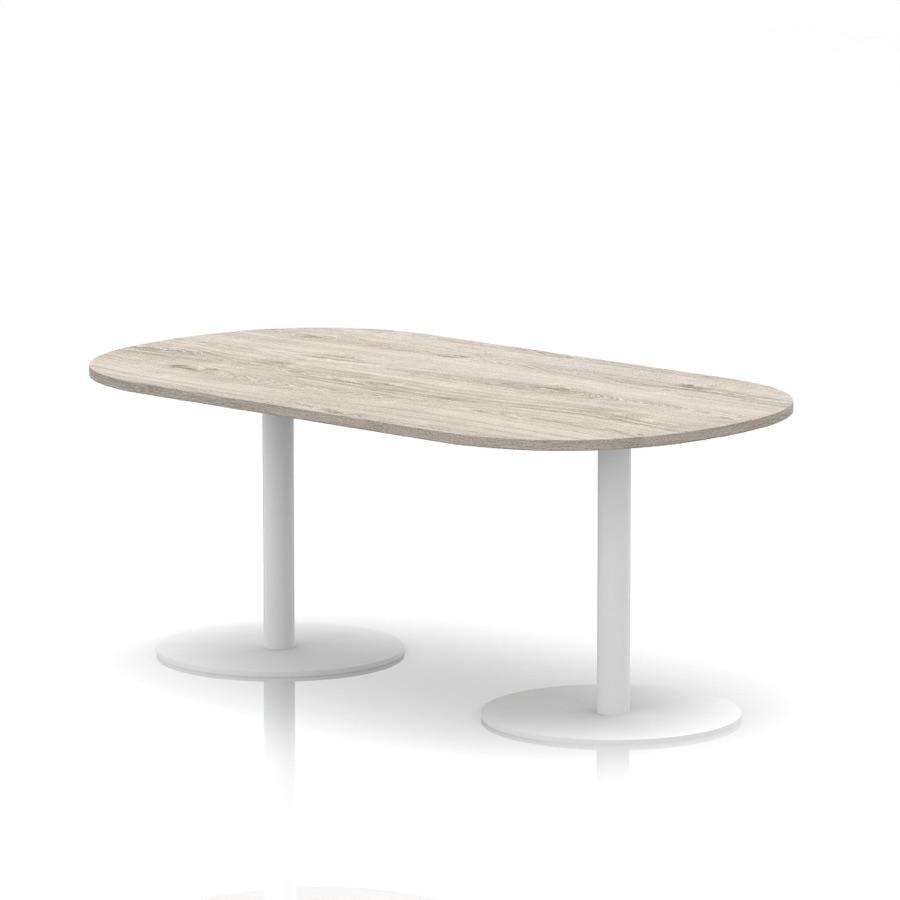
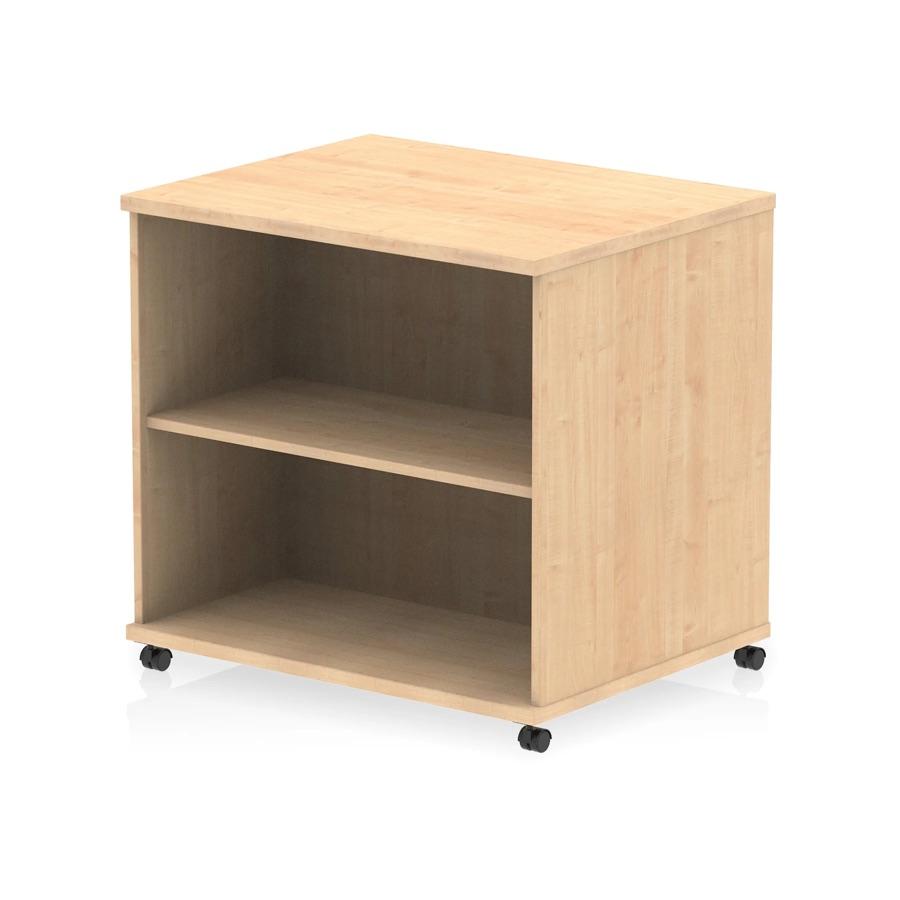
Sell the desk and the chair as one product.
A bundle is a fixed kit of products you already have, with its own page, price and photos, and no stock of its own. Ask us and we switch bundles on for your shop.
Build it from what you sell
Add up to 30 component products, with a quantity for each. Components are ordinary products with their own stock.
Stock that works itself out
Availability is derived from the component that would run out first, and the Components section highlights which one that is.
What’s included, on the page
The bundle’s product page lists every component and links to it, so the shopper knows exactly what arrives.
Ships as its parts
Weight and customs come from the components, so a bundle needs no shipping set-up of its own.
Six things the catalogue does on its own once it is set up.
Scheduled publishing
Set a date and time and the product goes live on its own, photos, links and tags already in place.
Sale on, sale off
Give a sale price a start and an end. It shows while the sale runs and drops away when it ends, per product or per variant.
Smart categories
Write a rule once and the category keeps itself filled as products are added and changed.
Downloads delivered
When an order for a download is paid, the buyer is emailed their download links and any licence key it needs.
Bundle stock
A kit’s availability is worked out from its scarcest component, so the set sells out when a part does.
Trash, not gone
Deleted products go to the trash and can be restored, so a slip of the hand is not a lost listing.
Price it, vary it, and see the margin as you type.
The parts of the job that eat an afternoon on other platforms: margins, variants, bulk changes and the storefront result.
Pricing
Margin while you type.
Enter the cost and the profit and margin appear beside the price, at product and variant level, before you publish. A compare-at price shows the saving on the storefront.
Price
Compare-at price
Cost
Profit
Margin
Sale start and end
Your customer’s side
What the shopper sees.
Colour swatches for the variants and a sale price with the old one struck through. Add the Product Media element to your product template and shoppers can turn a 3D model round, then view it in their room on a supported phone.
Colour swatches
Sale price
Percentage off
3D viewer
View in your room
Variants
Up to 2,000 combinations.
Size, colour, material or any option you name. Each variant carries its own price, compare-at price, cost, SKU, barcode, image and stock.
2,000 combinations
Own price
Own SKU and barcode
Own image
Own stock
Custom fields
Any detail, typed to fit.
Materials, care instructions, warranty length: add any detail your products need, with validation, at product or variant level. Values are available to your storefront theme, so they can appear on the product page.
Text
Number
True or false
Date and time
Colour
Single or multi select
URL
File
Rating
Storefront visibility
Media and search
Room for the whole shoot.
Up to 2,000 files per product: images up to 20MB, plus video and GLB, glTF or USDZ models. A URL slug, a 70-character title and a 160-character description per product.
2,000 files a product
Images 20MB
Video and 3D models
Title 70 characters
Description 160 characters
Bulk editor
Edit hundreds at once.
A spreadsheet view of the catalogue: prices, stock, SKUs, barcodes, tags, brands, search fields, weight and status. Save 500 products or more and the job runs in the background while you carry on.
Prices
Stock
SKUs and barcodes
Tags and brands
Search fields
Weight
Status
500+ runs in the background
Working as a team
Two people, one product, no overwritten work.
Open a product a colleague is editing and you see which field they are in and their unsaved text as they type. If you both change the same field, a chip shows both values and asks which to keep. In the bulk editor, Nebula can rewrite a whole column from one prompt, with a preview before you apply it.
Ellie is editing
Keep mine
Take theirs
AI Transform
Preview, then apply
No cap on products, whichever plan you pick.
Solo
Included from here
£25£19
a month, billed yearly, ex VAT
Included: Unlimited products, variants, CSV import and the bulk editor
14 days free, no card
Team
£85£64
a month, billed yearly, ex VAT
Included: Unlimited products, variants, CSV import and the bulk editor
14 days free, no card
Pro
£249£187
a month, billed yearly, ex VAT
Included: Unlimited products, variants, CSV import and the bulk editor
14 days free, no card
Enterprise
£999£749
a month, billed yearly, ex VAT
Included: Unlimited products, variants, CSV import and the bulk editor
14 days free, no card required. Prices shown exclude VAT. Staff accounts and storage grow with the plan: 1, 10, 40 or unlimited accounts, the owner’s included, and 100GB, 300GB, 500GB or 1TB of storage.
Fixed kits
Bundles
A bundle sells as the set you build: the components and quantities you pick, with its own page and price, and stock worked out from the parts.
Set amounts
Gift cards
Customers pick from the amounts you create as variants.
USB and Bluetooth
Barcodes
Scanners work in goods-in, cycle counts and scan-to-verify packing, all part of the Enterprise operations suite. Every variant carries its own barcode, and barcodes travel in CSV import and export.
We use cookies to enhance your browsing experience, analyse site traffic, and personalise content. By clicking "Accept all", you consent to our use of cookies. You can manage your preferences or learn more in our Cookie Policy.