Inventory across every location.
See what's on hand, what's committed, and what's on its way: across every location you hold stock. One dashboard, real-time, no spreadsheet stitching.
Stock control
Every product, every location, one view.
Know what's where, update it fast, and move stock data in and out with a CSV. No add-ons, no plugins.
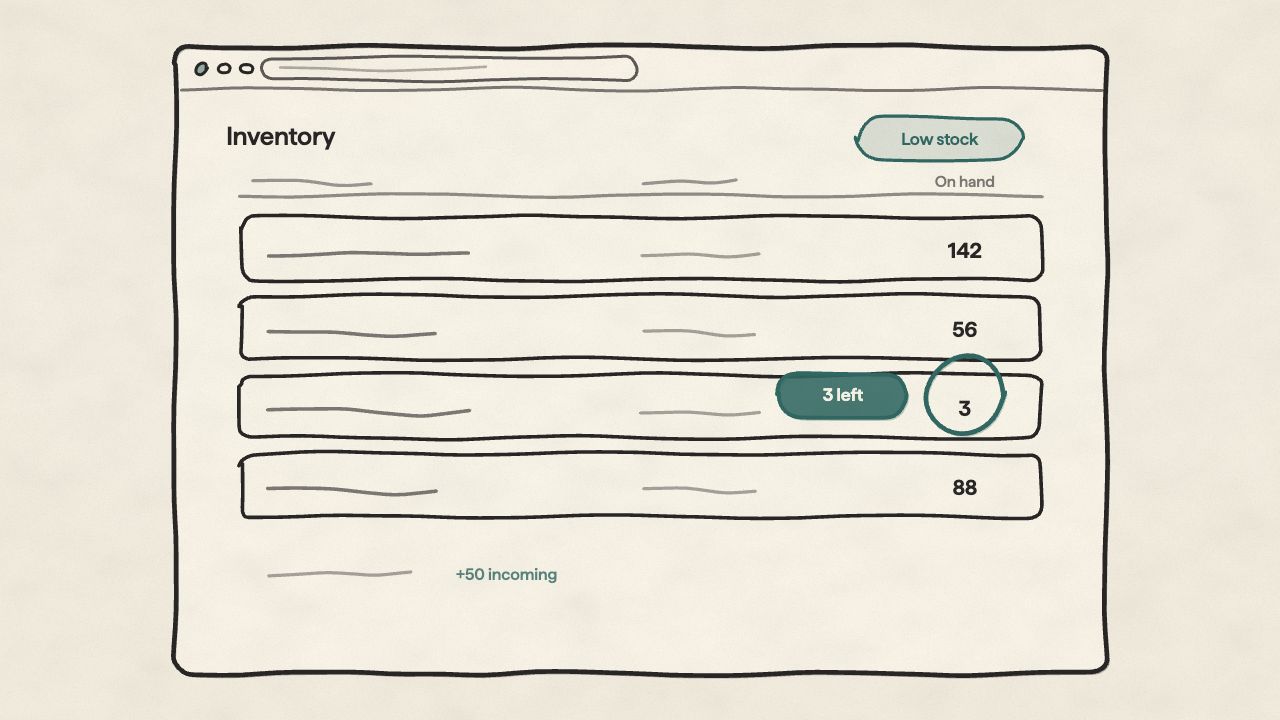
Every product, every location: one table
See your whole catalogue with stock broken down by location: on hand, available, committed, incoming, unavailable. Filter by low stock to see what's running out.
Unlimited locations, tracked independently
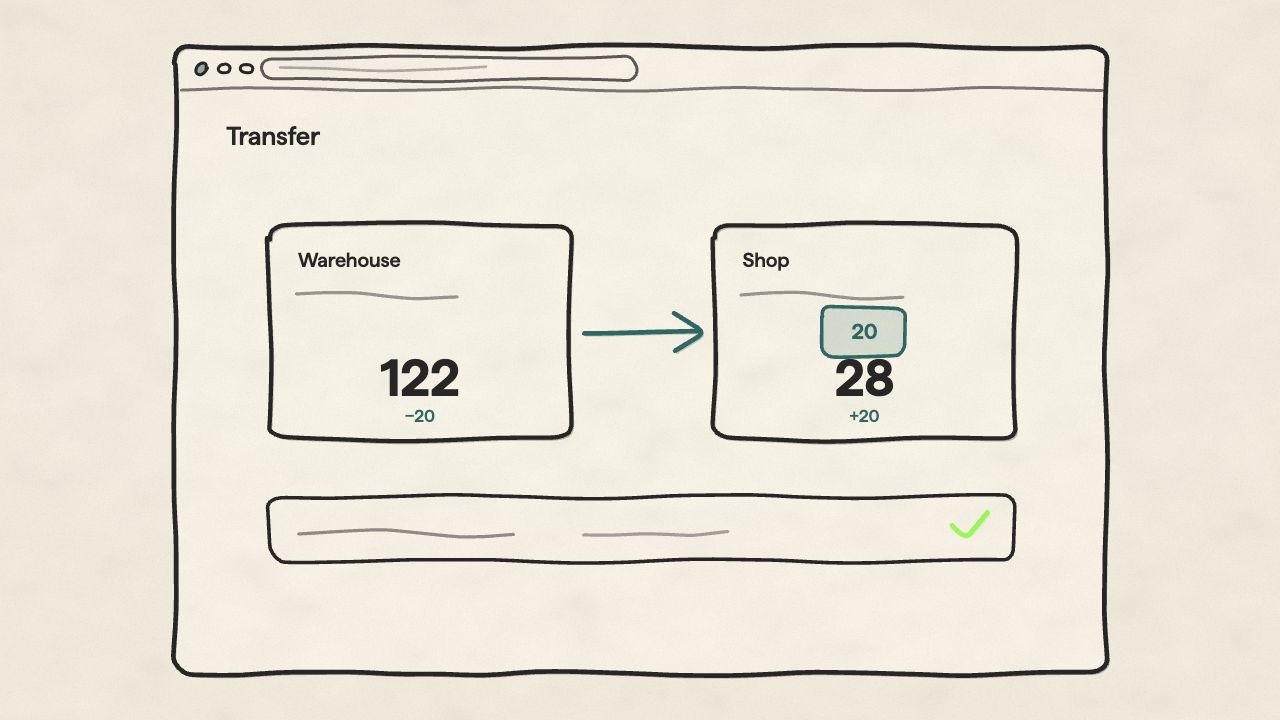
Warehouses, retail stores, pop-ups, fulfilment centres: wherever you hold stock, add it as a location. Each one tracks on its own, and transfers move stock between them with both sides recorded. No tier caps, no paid add-ons.
Incoming and committed stock
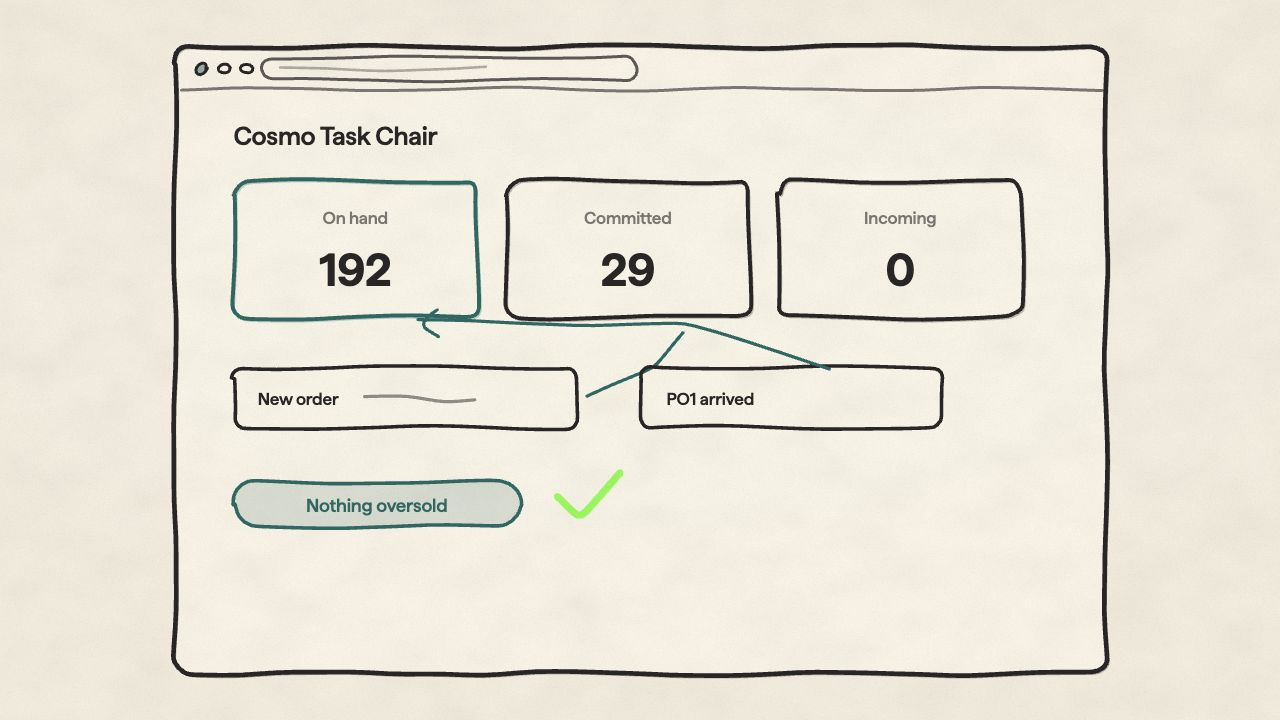
Incoming shows what's on its way from suppliers so you can plan without overselling. Committed shows what's reserved for open orders: deducted automatically the moment an order lands.
Update stock quickly
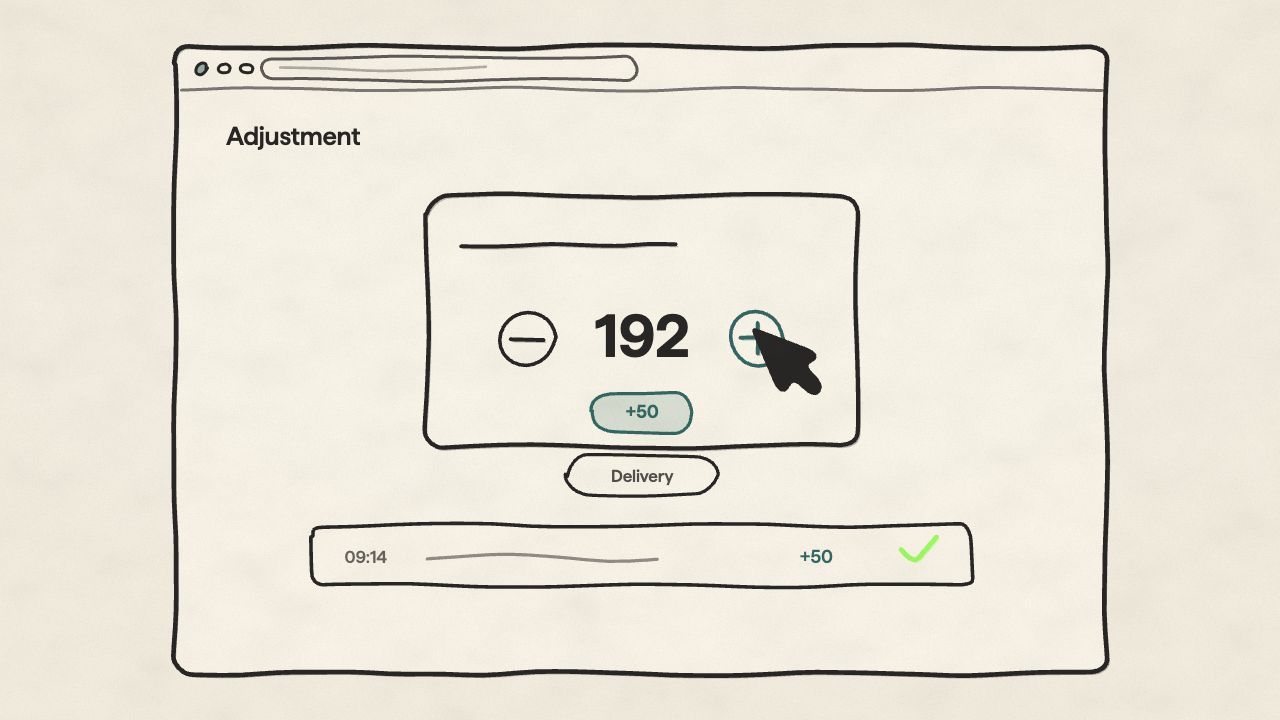
Add a quantity after a delivery (+50), or set the absolute value after a stocktake. Per product, per location, or in bulk, and every adjustment and transfer lands in a movement history, so any number can be traced back to who changed it and when.
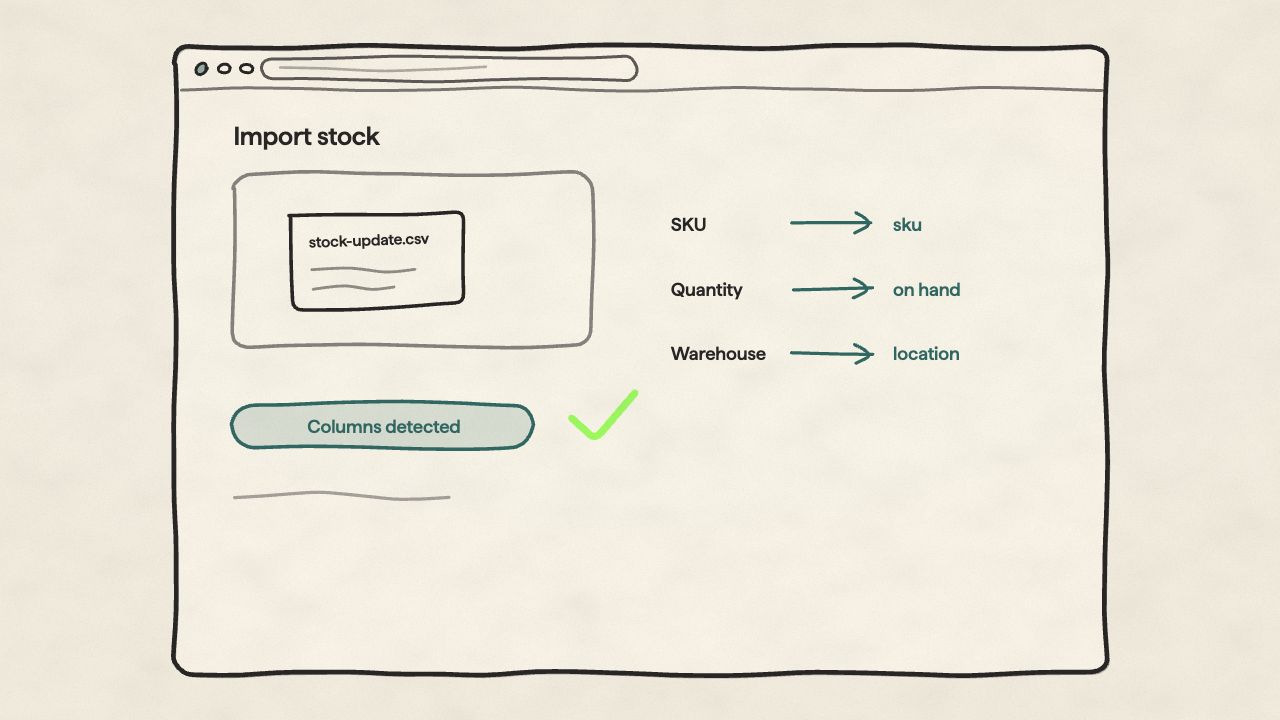
CSV import for bulk updates
Upload a CSV to update stock in bulk. Migrate from another platform, reconcile after a stocktake, or sync with a warehouse system. Orbit auto-detects your columns.
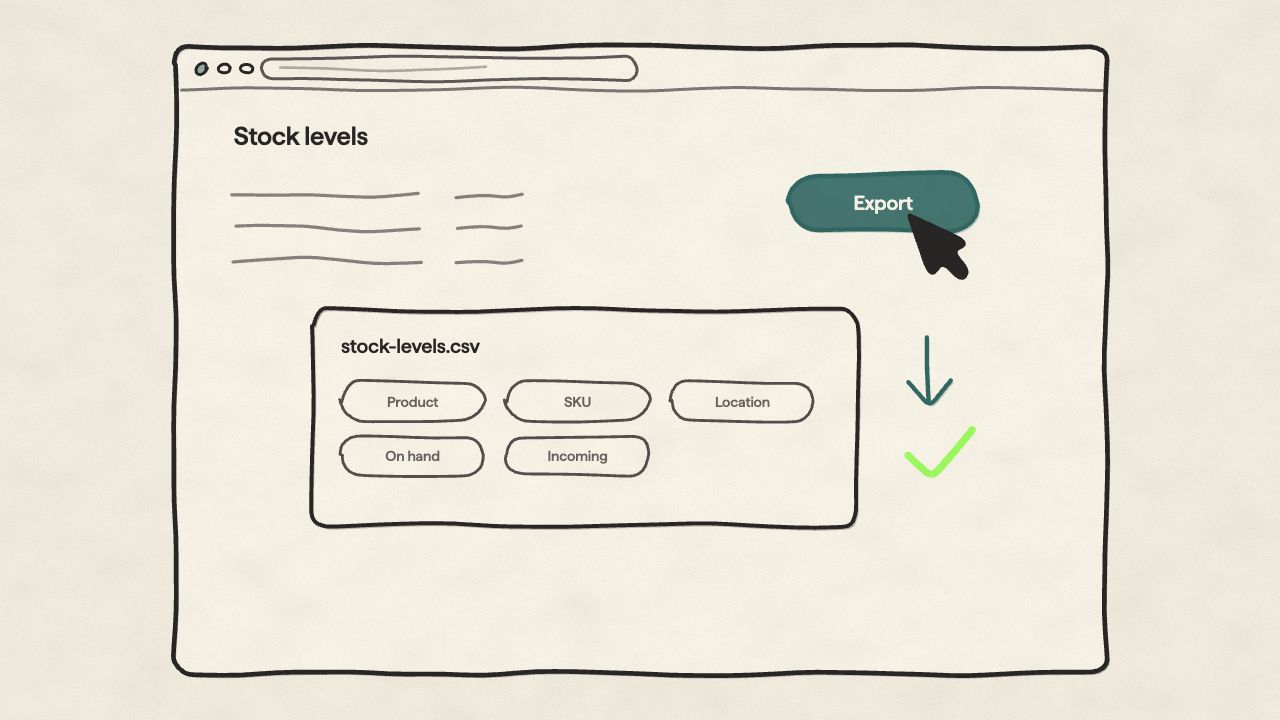
CSV export, anytime
Pull full stock levels to a CSV whenever you need one: product, SKU, location, on hand, available, incoming, committed. For reporting, accounting, or warehouse planning.
Where stock meets orders
When an order lands, stock moves.
Committed stock deducts the second an order comes in. Available stock on your storefront updates with it. No manual sync, no overselling.
Inventory, answered.
Straight answers on locations, stock updates, and the difference between incoming and committed.