A Bluepark
alternative
with no
product cap.

Bluepark’s Retail plan lists up to 500 products in 500MB of storage. Orbit is a Bluepark alternative with unlimited products on every plan and 100GB of storage on Solo.

Plans from £25 a month (£19 billed yearly), ex VAT. How switching works

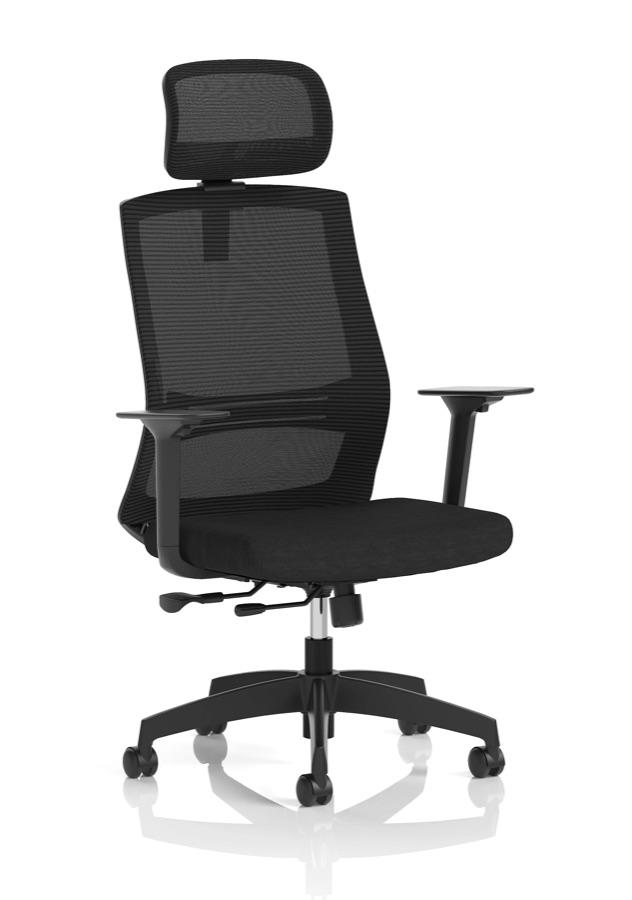
  • Ventra Mesh Task Chair
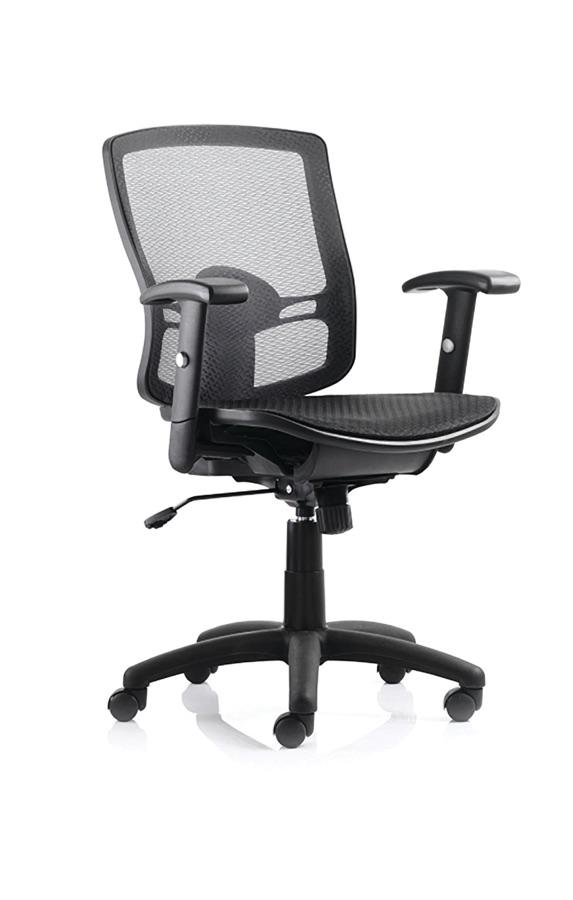
  • Portland Mesh Task Chair
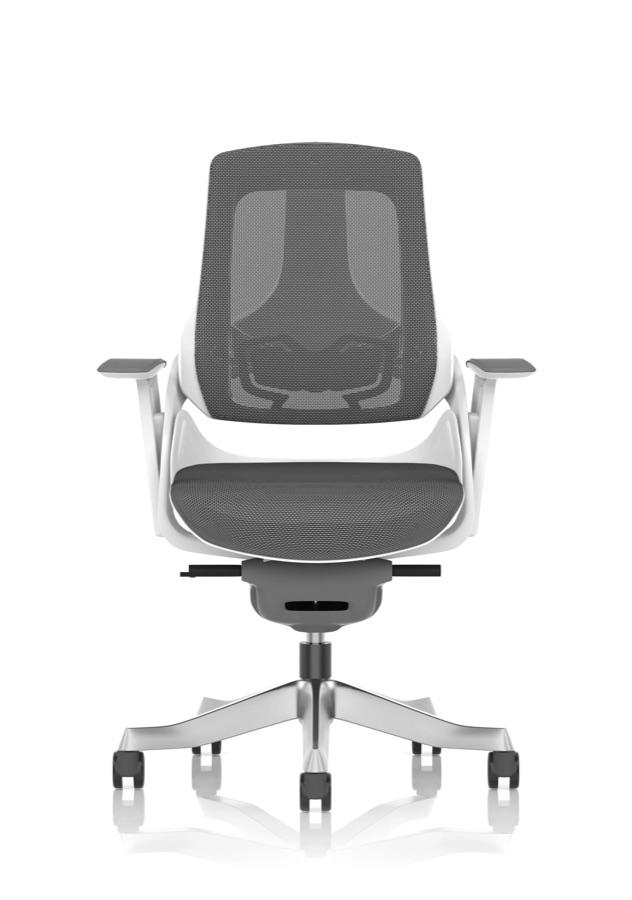
  • Zure Executive Chair
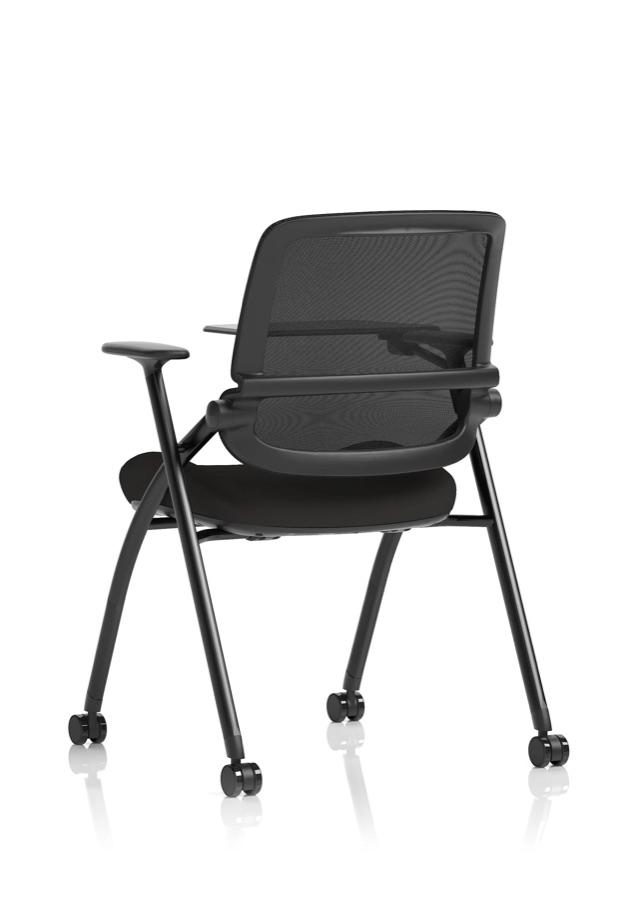
  • Capra Folding Training Chair
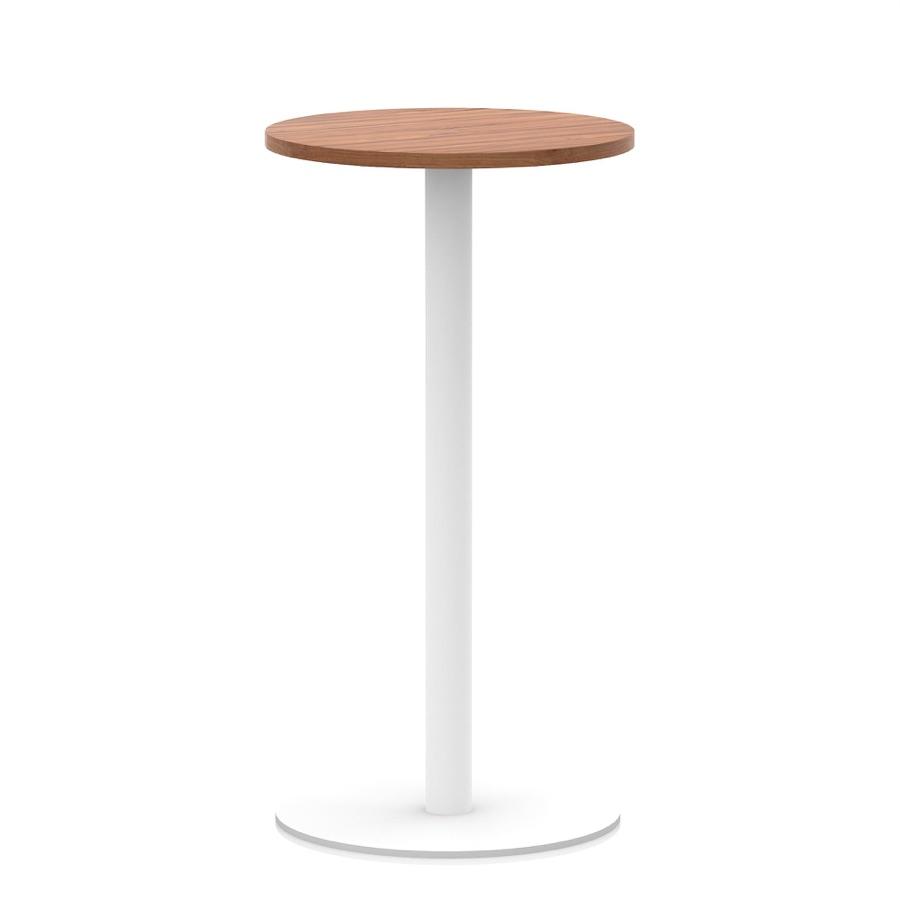
  • Italia Round Poseur Table
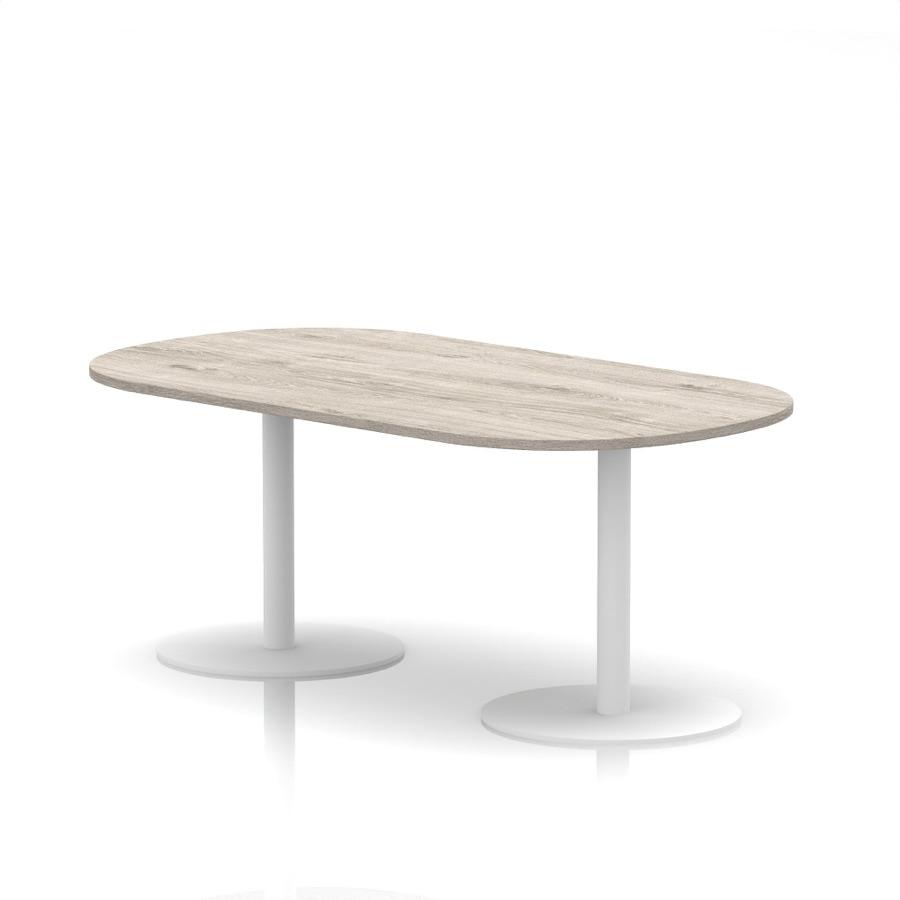
  • Italia Boardroom Table
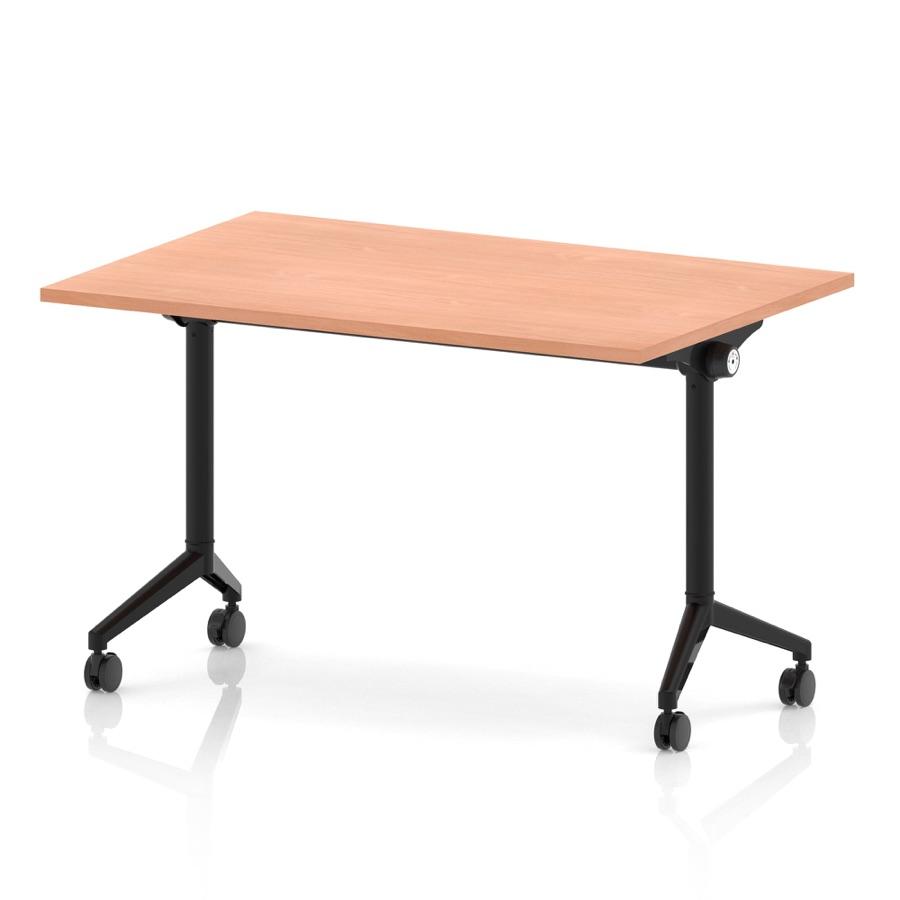
  • Impulse Flip Top Table
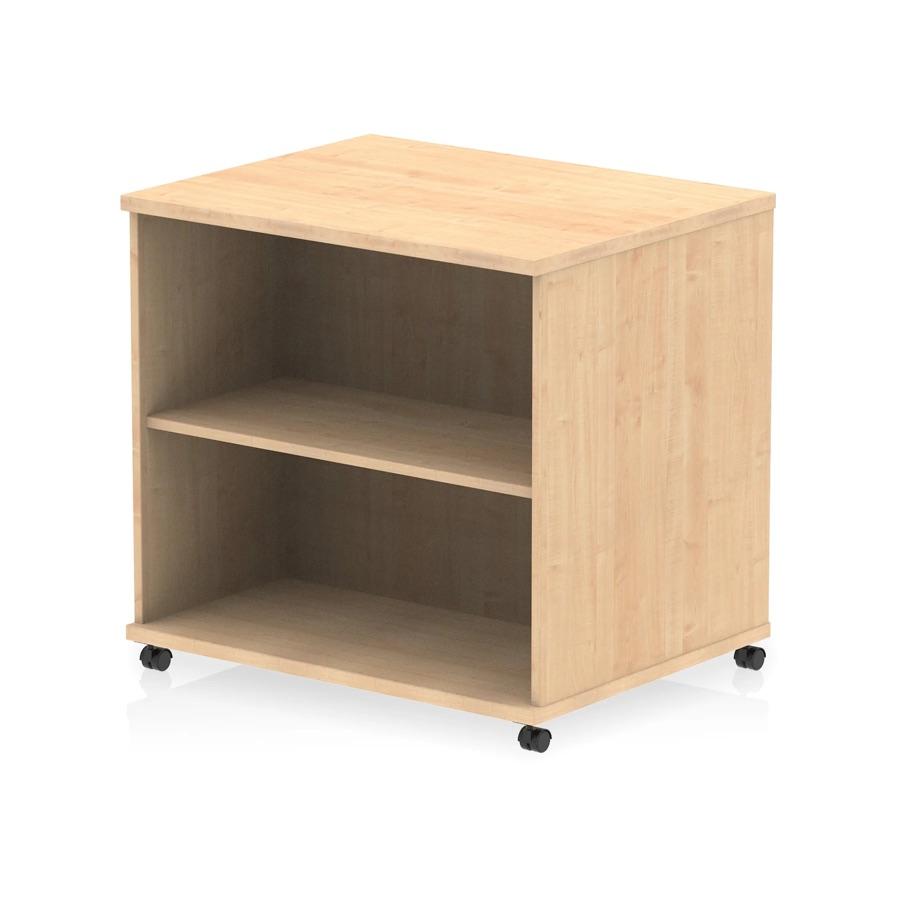
  • Impulse Mobile Bookcase
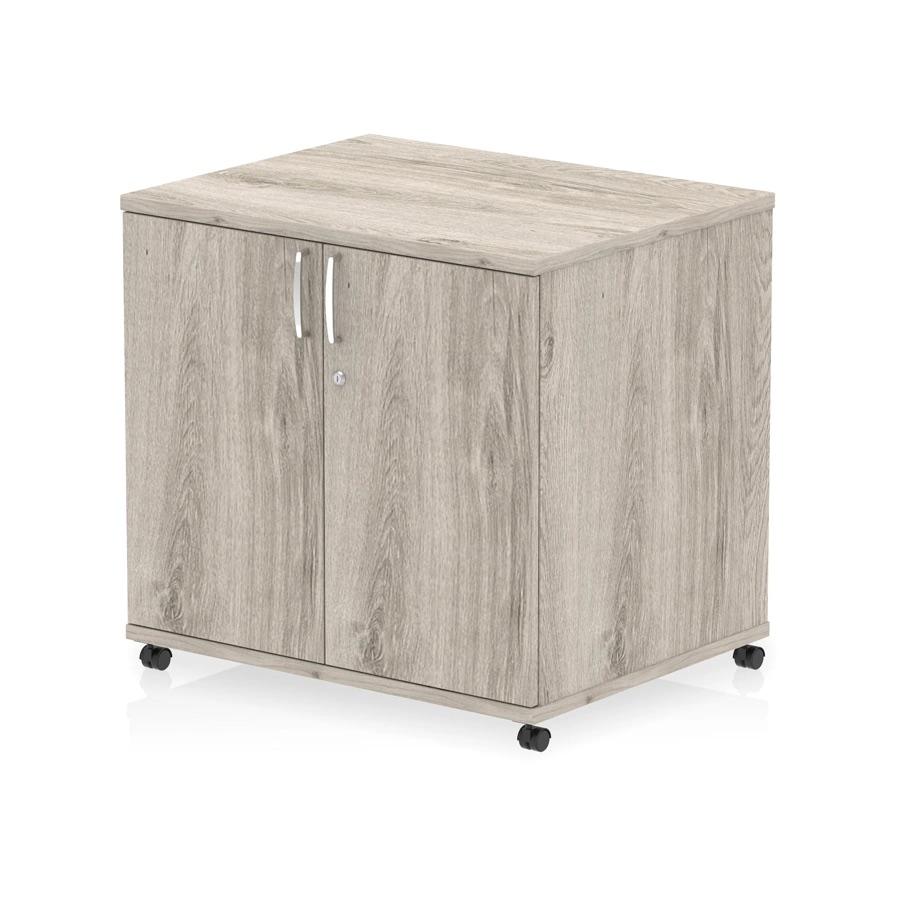
  • Impulse Mobile Cupboard
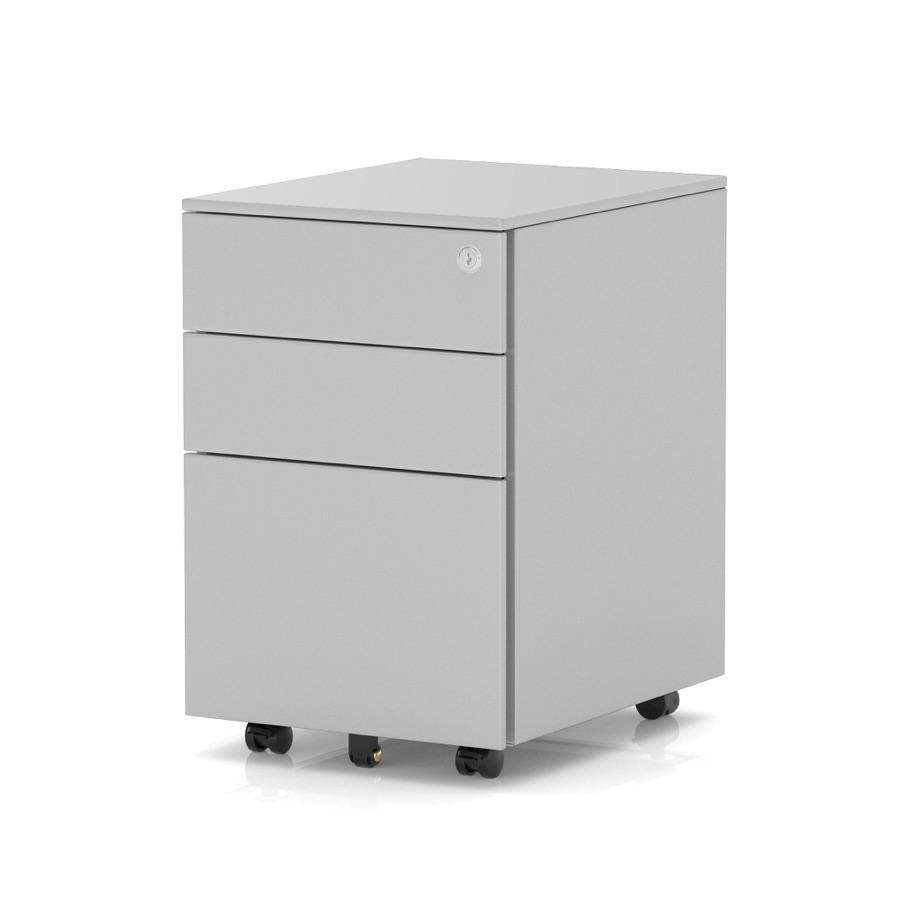
  • Base Mobile Steel Pedestal
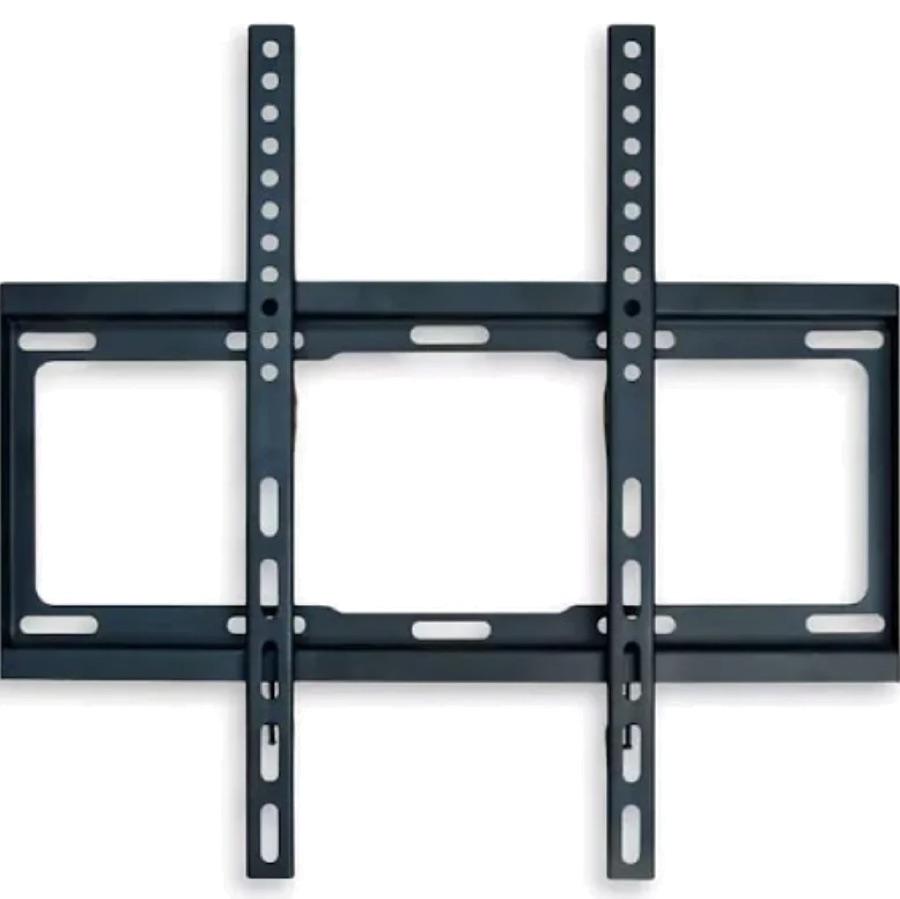
  • Brixworth Monitor Bracket
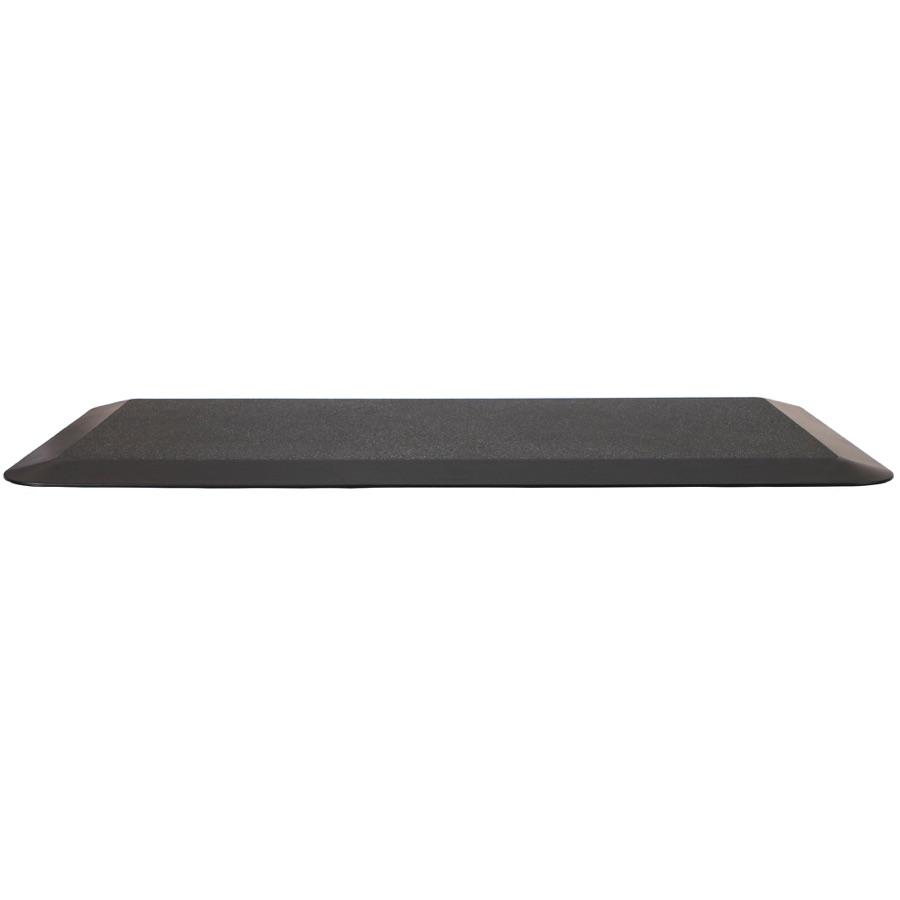
  • Anti Fatigue Mat

No product cap on any plan

Storage from 100GB to 1TB, by plan

  • Unlimited products on every plan
  • 100GB of storage on Solo
  • Up to 2,000 files a product
  • 14 days free, no card

Room for the catalogue, plan by plan.

Bluepark counts products and megabytes. On Orbit the product count never sets the plan; here is what every plan holds.

Products

Unlimited on every plan

Bluepark’s Retail plan lists up to 500 products and Business 2,000; its Enterprise plan lifts the cap. Every Orbit plan has no product limit, from Solo at £25 a month.

  • No product cap
  • Solo to Enterprise
  • From £25 a month

Storage

100GB to 1TB, by plan

100GB on Solo, 300GB on Team, 500GB on Pro and 1TB on Enterprise. Bluepark’s plans hold 500MB, 1GB and 2GB, with more on Enterprise at £10 + VAT a gigabyte a month, up to 12GB.

  • 100GB on Solo
  • 300GB on Team
  • 500GB on Pro
  • 1TB on Enterprise

Files in, files out

CSV, XLSX or XLS up to 100MB

Products import from files up to 100MB; customers, orders and blog posts from files up to 25MB. Everything exports again as CSV.

  • 100MB product files
  • 25MB customers and orders
  • CSV export any time

Media on a product

Up to 2,000 files

Photos, video and 3D models, up to 2,000 on each product. 3D models are GLB or GLTF with an optional USDZ, so the model opens in AR on an iPhone.

  • 2,000 files a product
  • GLB or GLTF
  • USDZ for AR

Products never count towards your plan: moving up adds staff seats and storage.

An importer for each export

Products, customers, orders and old links

Your catalogue, orders and links, moved across.

Bluepark exports products, customers and orders as CSV on every plan, and Orbit has an importer for each.

A spreadsheet pass first

Add Status, Is Physical and Is Taxable columns, give each variant a row of its own carrying the product’s URL text and its own option values, and swap Bluepark’s image file names for web addresses. The sample CSV in the import dialog shows the layout.

Then the column mapper

Upload the CSV or Excel file, up to 100MB. Point URL text at Handle, so each product keeps its name in its new address, and Page content at Description, then check what the mapper picked for the rest. It names any required field still missing.

Customers and past orders

Bluepark exports your customer list and your orders as CSV files. Each goes in through an importer with a column mapper of its own, and each past order joins the customer with the same email address.

Links that keep working

List your old Bluepark paths (each address from the / after your domain) beside the new ones in a two-column file, and upload it to the redirect importer before you move the domain. Rename a product later and Orbit adds the redirect for you.

Page builder on every plan

Sections, layouts, fonts and colours

Change the site without opening the HTML.

Bluepark gives you free responsive themes with hundreds of settings, and your own HTML, CSS, jQuery and JavaScript when you want to go further. Orbit’s page builder moves sections, layouts, fonts and colours by hand on every plan, with a Code element for the times you do want HTML.

Drag and drop sections

Pick an element from the panel and drop it on the page, where it lands as a block you can select and style. There is no theme framework to learn.

Templates for every page type

Product, category and cart pages render from templates you edit in the same builder, and a theme brings its own set. Start from a free or premium theme.

A Code element when you want it

Paste your own HTML, CSS or JavaScript into a Code element on any page, so the things you built by hand on Bluepark still have a home.

Nebula drafts the first pass

Paste your current shop’s address into Nebula and it drafts sections in your colours and fonts, on every plan with a monthly allowance.

From Bluepark to Orbit in six steps.

The product file takes the most care, and all of it happens on the trial while your Bluepark shop keeps selling. Bluepark asks for a month’s notice by email, so send it once the new shop is live.

1. Start the trial

14 days, no card. Your Bluepark shop keeps trading while you test.

2. Export, shape, import

Export products from Bluepark with variant rows on, give the file its spreadsheet pass, point URL text at Handle, check the first product, then import.

3. Customers and orders

Export customers and orders from Bluepark as CSV and line up each file’s columns in its own mapper. Each order joins the customer with the same email address.

4. Build your pages

Pick one of our free or premium themes and shape it in the page builder, or paste your Bluepark shop’s address into Nebula for a first draft. Hand-written HTML goes in a Code element.

5. Payments and delivery

Switch on Orbit Payments, connect PayPal if you use it, and set up labels through Orbit Shipping or your own Royal Mail, DPD, Yodel or Parcelforce account.

6. Redirects, domain, notice

Upload your old-to-new path list to the redirect importer and point the domain in a quiet hour. Then send Bluepark its month’s notice by email.

Every number, next to Bluepark’s.

Orbit’s figures come from its pricing data; Bluepark’s are what its own pages said on the date below.

Orbit Commerce vs Bluepark at a glance
 Orbit CommerceBluepark
Who runs the shopYou, in the page builder, with a Code element for HTMLYou, with theme settings, or your own HTML, CSS and JavaScript
Entry planSolo £25 a month (£19 billed yearly)Retail £29.99 + VAT a month
ProductsUnlimited on every plan500 on Retail, 2,000 on Business, unlimited on Enterprise
Storage100GB / 300GB / 500GB / 1TB500MB / 1GB / 2GB, to 12GB at £10 + VAT a GB a month
Staff accounts10 on Team, 40 on Pro, unlimited on Enterprise, owner includedUnlimited on every plan
Card processingUK personal cards 2% / 1.7% / 1.5% + 25p, nothing on topYour gateway’s rate; 0% transaction fees
Trade featuresComes with Enterprise, £999 a monthBusiness plan and up, £44.99 + VAT a month
eBay and AmazonPlugins with a free tier and paid plans for bigger catalogueseBay on Enterprise only; Amazon via integrated multichannel platforms
SupportEmail and live chat on every planPhone, email and live chat, Monday to Friday 9am to 5:30pm
Worth checkingNo product cap; 100GB of storage from SoloProduct caps on Retail and Business; storage from 500MB
Yearly billing£19 / £64 / £187 / £749 a month billed yearly; cancel any timeNone published; a month’s notice to cancel
Your data outProducts, customers, orders and more as CSV, any timeProducts, categories, customers and orders as CSV

Bluepark prices and features checked 26 September 2026 against bluepark.co.uk/pricing (opens in a new tab), bluepark.co.uk/features, bluepark.co.uk/contact, bluepark.co.uk/here-to-help, bluepark.co.uk/help and bluepark.co.uk/blog. Bluepark is a trademark of its owner. Figures exclude VAT unless stated. Spotted something out of date? Tell us.

No product cap on any plan. Pick by seats and storage.

Solo is £25 a month, ex VAT, where Bluepark’s Retail plan is £29.99 + VAT. Higher plans add staff seats, storage, a lower card rate and a bigger Nebula allowance; the size of the catalogue never moves you up.

Solo

On every plan

£19

a month, billed yearly, ex VAT

Included: Unlimited products

14 days free, no card

Team

£64

a month, billed yearly, ex VAT

Included: Unlimited products

14 days free, no card

Pro

£187

a month, billed yearly, ex VAT

Included: Unlimited products

14 days free, no card

Enterprise

£749

a month, billed yearly, ex VAT

Included: Unlimited products

14 days free, no card

Marketplaces, accounts and help, from the first plan.

Bluepark’s eBay and QuickBooks integrations come with its Enterprise plan. On Orbit they are plugins that work on every plan, and help starts on the first day of the trial.

Marketplaces

eBay and Amazon from your catalogue

The eBay and Amazon plugins list from your catalogue, push stock on the schedule you pick and bring marketplace orders into your Orders list. Both have a free tier, with paid plans for bigger catalogues.

  • eBay
  • Amazon
  • Orders in one list

Accounts

Xero and QuickBooks, order by order

The Xero and QuickBooks plugins send every paid order across as a sales invoice with its payment, and every refund as a credit note in Xero or a refund receipt in QuickBooks. Map your accounts and VAT rates once.

  • Xero
  • QuickBooks
  • VAT rates mapped once

Help

Email and live chat on every plan

Support by email and live chat from the first day of the trial, priority support from Pro and a dedicated account manager on Enterprise. The migration call is free, on Microsoft Teams at a time you pick.

  • Email and live chat
  • Priority support from Pro
  • Account manager on Enterprise

A month’s notice

Leaving Bluepark

Bluepark asks for a month’s notice by email, with payment in advance. Send it once the new shop is live, and your Bluepark shop stays open through that month.

Every plan

Everyday tools

Cart reminder emails on a delay you choose, digital gift cards, a blog, and prices and checkout in more than one currency come with every Orbit plan.

Export any time

Your data

Products, customers, orders, inventory, categories, redirects and blog posts export as CSV from the dashboard whenever you like, and monthly billing has no long contract.

Pick the one that sounds like you.

Orbit fits if…

Your catalogue is past 500 products or heading there, and you would rather not budget megabytes for photographs. You want to change the site yourself in a builder, keeping HTML for the times you choose it. You want eBay and Amazon listings, or orders sent to Xero or QuickBooks, on the plan you start on.

Bluepark may fit better if…

Your busiest season is under way and you would rather move once it has passed. You have just paid for a bespoke Bluepark theme and want a season’s use from it first. If that is you, say so on a call and we will tell you straight.

Switching from Bluepark, answered.

Cost and caps, HTML, what moves, your links, help, trade, seats and notice.

Bring the whole catalogue. Skip the megabyte maths.

Give the product file its spreadsheet pass, import a copy on the trial and click round every product. Point the domain only when it is right; Bluepark keeps selling while you do.

We value your privacy

We use cookies to enhance your browsing experience, analyse site traffic, and personalise content. By clicking "Accept all", you consent to our use of cookies. You can manage your preferences or learn more in our Cookie Policy.